


XP PEN DECO 640 GRAPHICS DRAWING PEN TABLET
XP PEN DECO 640 GRAPHICS DRAWING PEN TABLET
If you have any questions, you are always welcome to contact us. We'll get back to you as soon as possible, within 24 hours on weekdays.
-
Shipping Information
Use this text to answer questions in as much detail as possible for your customers.
-
Customer Support
Use this text to answer questions in as much detail as possible for your customers.
-
FAQ’s
Use this text to answer questions in as much detail as possible for your customers.
-
Contact Us
Use this text to answer questions in as much detail as possible for your customers.
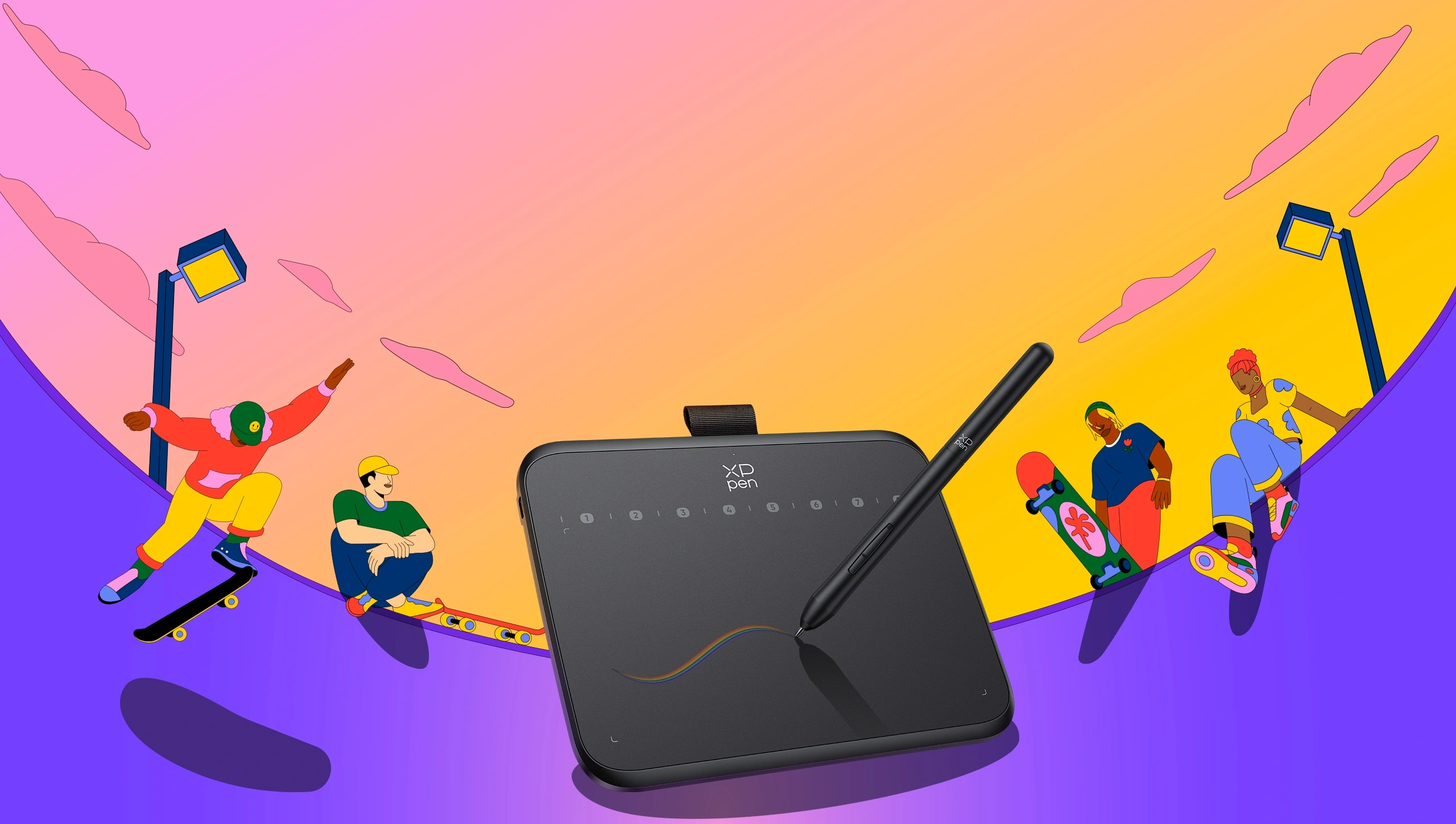
Unleash your creativity with the XP PEN DECO 640 GRAPHICS DRAWING PEN TABLET, a revolutionary device designed for artists, educators, and professionals alike. Featuring the world's first 16384 levels of pressure sensitivity, this tablet offers unparalleled precision and a natural drawing experience. Its compact, portable design and versatile software compatibility make it an essential tool for digital art, online teaching, and beyond.
Key Features at a Glance
- World's first 16384 levels of pressure sensitivity for a pen tablet.
- Compact 6x4 inch active area with a slim 7.7mm profile.
- Lightweight at just 170g for ultimate portability.
- Battery-free stylus with 60 degrees tilt support.
- Equipped with 8 customizable shortcut keys.
- Advanced automatic line correction and intelligent anti-shake functions.
Unprecedented Precision for Every Stroke
Experience the cutting edge of digital artistry with the XP PEN DECO 640's industry-leading 16384 levels of pressure sensitivity. The included stylus operates with an initial activation force of just 3 grams, ensuring every detail and nuance of your hand movements is captured with 1.5 times faster response and 20% more accuracy.
Portable Design for Creativity On-The-Go
Designed for maximum convenience, this graphics tablet boasts a comfortable 6x4 inch active area within a remarkably slim 7.7mm profile. Weighing only 170g, it’s effortless to carry, offering a comfortable canvas wherever inspiration strikes and serving as a perfect, ergonomic alternative to a traditional mouse.
Versatile Tool for Learning and Creation
The XP PEN DECO 640 is a software-neutral device that seamlessly integrates with all popular design applications, including AdobeCC, Krita, Corel, Clip Studio, and Blender. It's also an ideal solution for online teaching, note-taking, annotations, and digital signatures, compatible with platforms like MS Teams, Word, PowerPoint, and Zoom.
Efficient, Ergonomic, and Eco-Conscious
Enhance your workflow with 8 customizable shortcut keys, allowing for a personalized and efficient creative process. The advanced battery-free stylus provides uninterrupted usage and a natural pen feel, eliminating the need for charging cables while offering a greener choice for your digital workspace.
Technical Specifications
| Product Name | Deco 640 |
| Product Model | IT640 |
| Color | Black |
| Dimensions | 149.96 x 188.34 x 7.7mm |
| Active Area | 16cm x 9cm |
| Pen Model | P01(16K) |
| Pressure Levels | 16384 |
| Tilt | 60° |
| Report Rate | ≥220RPS |
| Resolution | 5080LPI |
| Reading Height | 10mm |
| Ports Included | USB-C |
| Power Input | 5V1A |
| Compatibility | Windows 7(or later) macOS10.13(or later) Android 10.0(or later) Chrome OS 88(or later) Linux |
Package Contents:
- 1 x Drawing Tablet
- 1 x Stylus
- 10 x Pen Nibs
- 1 x USB-C to USB-A Cable
- 1 x Nib Extractor
- 1 x USB to USB-C Adapter
Frequently Asked Questions
Q: What is the pressure sensitivity level of the XP PEN DECO 640?
A: The XP PEN DECO 640 features the world's first 16384 levels of pressure sensitivity, providing exceptional precision for your creative work.
Q: What are the physical specifications of the tablet?
A: It has a 6x4 inch active area, measures a slim 7.7mm in profile, and weighs just 170g, making it highly portable.
Q: Is the XP PEN DECO 640 compatible with popular software for design and online education?
A: Yes, it is software-neutral and works seamlessly with all commonly used design software like AdobeCC, Krita, and Blender, as well as online teaching platforms such as MS Teams and Zoom.
