
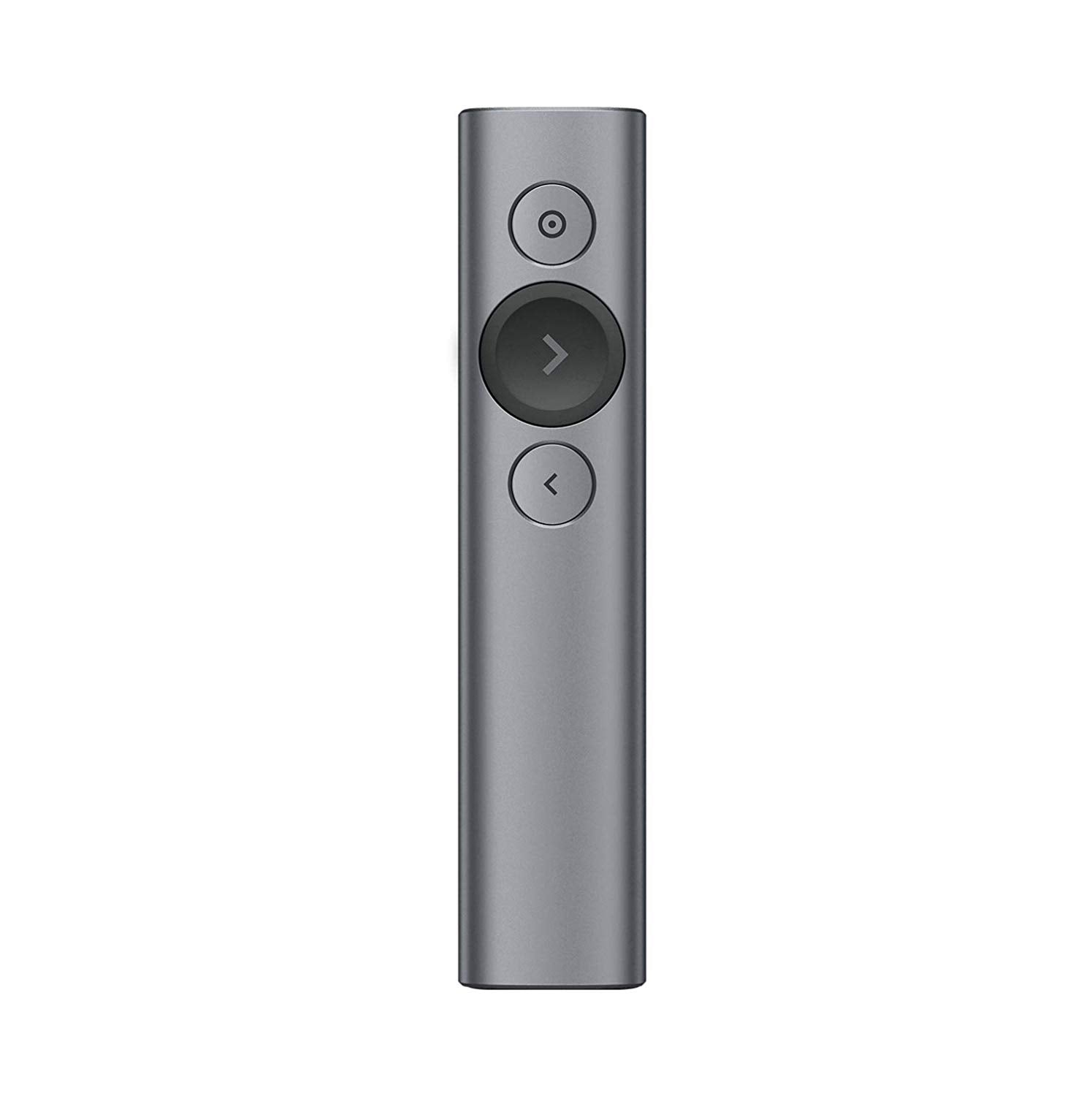


LOGITECH SPOTLIGHT WIRELESS PRESENTATION REMOTE
If you have any questions, you are always welcome to contact us. We'll get back to you as soon as possible, within 24 hours on weekdays.
-
Shipping Information
Use this text to answer questions in as much detail as possible for your customers.
-
Customer Support
Use this text to answer questions in as much detail as possible for your customers.
-
FAQ’s
Use this text to answer questions in as much detail as possible for your customers.
-
Contact Us
Use this text to answer questions in as much detail as possible for your customers.
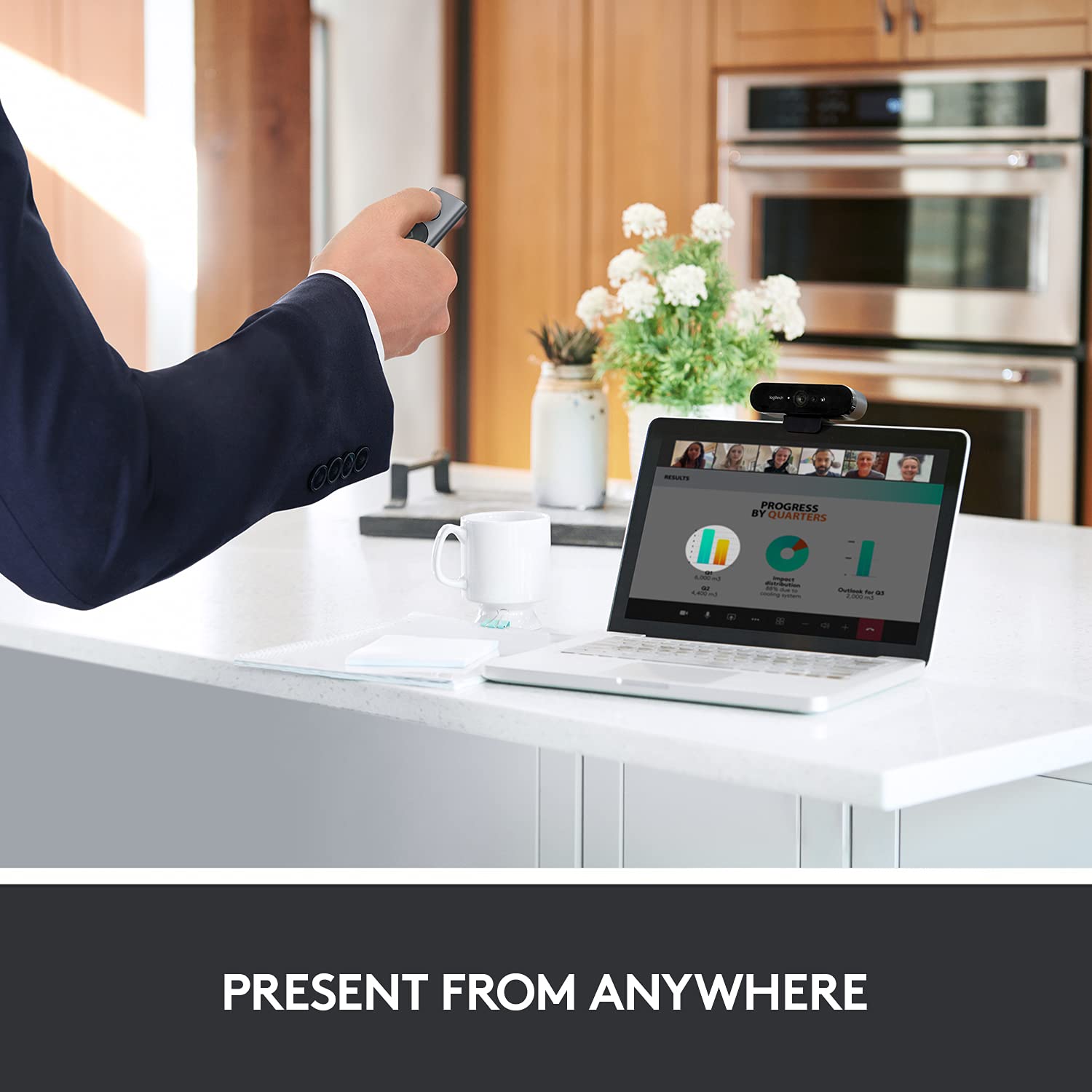
Elevate your presentations with the LOGITECH SPOTLIGHT WIRELESS PRESENTATION REMOTE, an advanced tool designed to go beyond traditional laser pointing. This innovative remote allows you to interact with content on the room screen like never before, ensuring your message makes a lasting impact and keeps your audience engaged.

Key Features at a Glance
- Advanced wireless presentation remote for on-screen content interaction.
- Precisely highlight or magnify specific content with the touch of a button.
- Track presentation time and set vibration alerts to stay on schedule.
- Navigate slides effortlessly with intuitive forward and back buttons.
- Universal compatibility with most devices, operating systems (Windows, Mac OS), and presentation software (PowerPoint, Keynote, PDF, Google Slides, Prezi).

Highlight Your Message with Precision
Go beyond traditional laser pointing with an advanced pointer system. The Spotlight remote allows you to dim the background and precisely highlight any subject on the screen with the touch of a button, ensuring your audience focuses on what matters most. Customize the highlighted area size using the companion app.

Capture Attention with Magnification
Draw your audience's attention effortlessly. Simply point and press to magnify specific areas of focus in crystal-clear, pixel-perfect detail, making sure no important point is missed during your presentation.

Seamless Content Interaction
Engage your audience with rich content directly from your remote. Use the on-screen cursor to play and pause videos, open links, and control a wide range of interactive elements within your presentation materials.

Effortless Navigation and Time Management
Maintain perfect control of your presentation flow. Navigate your slides without looking down, thanks to intuitive forward and back buttons. Stay on schedule by tracking your presentation time and receiving timely vibration alerts to manage your pace effectively.
Technical Specifications
| Brand | Logitech |
|---|---|
| Model | 910-004654 |
| Model Name | Spotlight |
| Model Year | 2017 |
| Product Dimensions | 2.79 x 13.21 x 1.27 cm |
| Batteries | 1 Lithium Polymer batteries required. (included) |
| Item model number | 910-004654 |
| Operating System | Mac OS |
| Hardware Platform | PC |
| Compatible Devices | Computer |
| Special Features | Wireless |
| Mounting Hardware | Presenter Remote, Quick Start Guide |
| Number of items | 1 |
| Aspect Ratio | 2.21:1 |
| Power Source | Battery Powered |
| Batteries Included | Yes |
| Batteries Required | Yes |
| Battery cell composition | Lithium Polymer |
| Connector Type | Wireless |
| Does it contain liquid? | No |
| Includes Rechargeable Battery | No |
| Supports Bluetooth Technology | Yes |
Warranty |
1 Year |
| Item Weight | 32 g |
Frequently Asked Questions
Q: What are the core capabilities of the Logitech Spotlight Presentation Remote?
A: The Logitech Spotlight Presentation Remote goes beyond laser pointing, allowing you to interact with on-screen content, precisely highlight or magnify specific areas, and navigate slides with ease.
Q: Does the Spotlight remote help with presentation timing?
A: Yes, it allows you to track your presentation time and set vibration alerts, helping you stay in command until your final slide and manage your pacing effectively.
Q: What devices and software are compatible with the Logitech Spotlight Presentation Remote?
A: This remote offers universal compatibility with most devices, operating systems like Windows and Mac OS, and leading presentation software such as PowerPoint, Keynote, PDF, Google Slides, and Prezi.
