
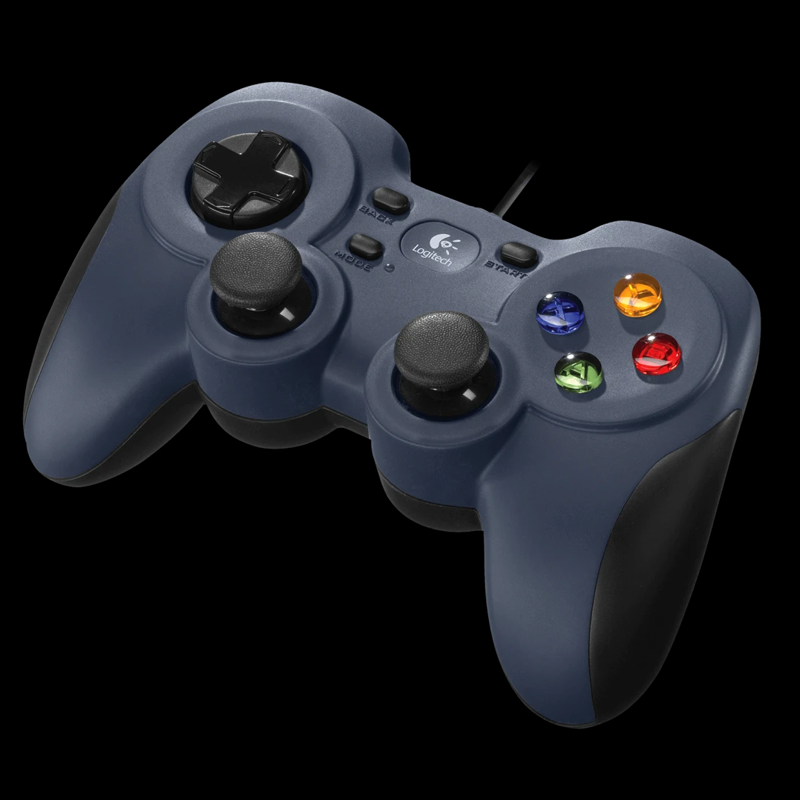
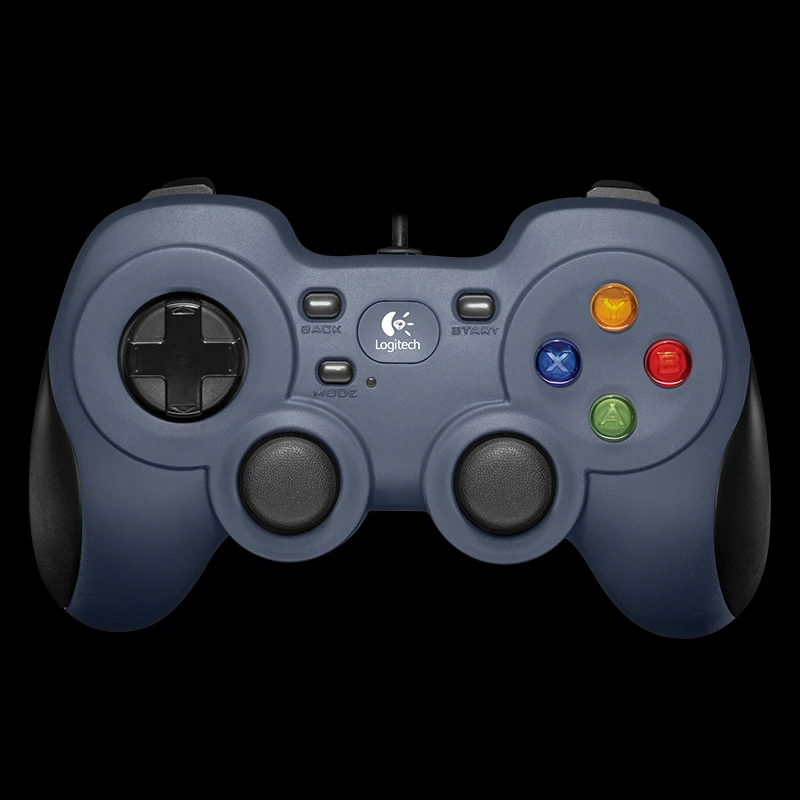
LOGITECH F310 WIRED GAMEPAD
If you have any questions, you are always welcome to contact us. We'll get back to you as soon as possible, within 24 hours on weekdays.
-
Shipping Information
Use this text to answer questions in as much detail as possible for your customers.
-
Customer Support
Use this text to answer questions in as much detail as possible for your customers.
-
FAQ’s
Use this text to answer questions in as much detail as possible for your customers.
-
Contact Us
Use this text to answer questions in as much detail as possible for your customers.
Elevate your PC gaming with the LOGITECH F310 WIRED GAMEPAD. Designed for a reliable and familiar experience, this gamepad offers a console-like layout, bringing precise control to your favorite games on Windows operating systems.
\n\nKey Features at a Glance
\n- \n
- Features a generous 1.8-meter wired cord. \n
- Designed with a console-like layout for familiar control. \n
- Equipped with a responsive 4-switch D-pad. \n
- Includes the gamepad and user documentation. \n
- Compatible with Windows 8, Windows 7, and Windows Vista. \n
Familiar Console-Like Control
\nEnjoy a gaming experience that feels natural and intuitive. The LOGITECH F310 WIRED GAMEPAD is built with a console-like layout, allowing you to jump into action immediately with familiar button placement and ergonomic design.
\n\nReliable Wired Connection
\nNever worry about battery life or wireless interference. The 1.8-meter cord provides ample freedom of movement while ensuring a consistent, lag-free connection for uninterrupted gameplay.
\n\nBroad PC Compatibility
\nThe F310 gamepad seamlessly integrates with a range of Windows operating systems. Connect and play your favorite titles on Windows 8, Windows 7, or Windows Vista, ensuring wide-ranging compatibility for your gaming setup.
\n\n\n\nTechnical Specifications
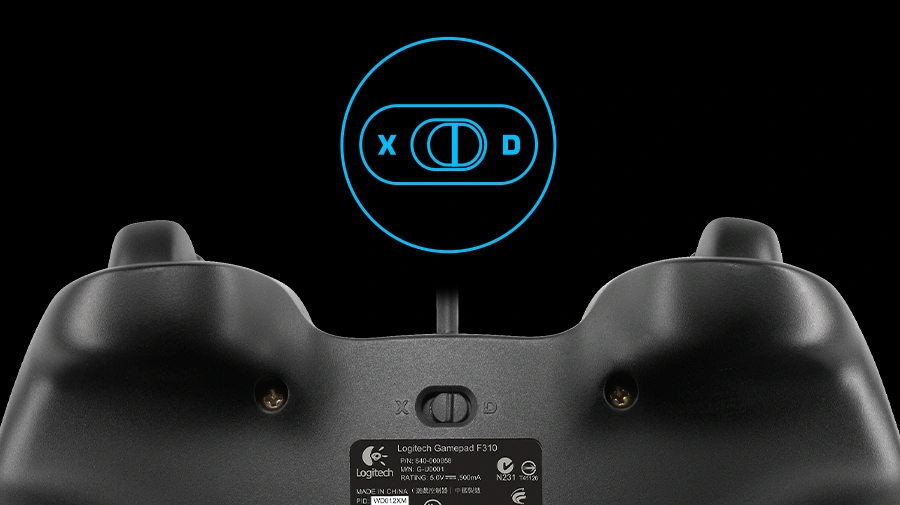 |
EXTENSIVE GAME SUPPORTPlay hits and classics. Play console ports with their native-style controller or adopt a more relaxed position while enjoying PC games. F310 is easy to set up and use with your favorite games thanks to XInput/DirectInput1Requires software installation for DirectInput mode. óthe two most common input standards. |
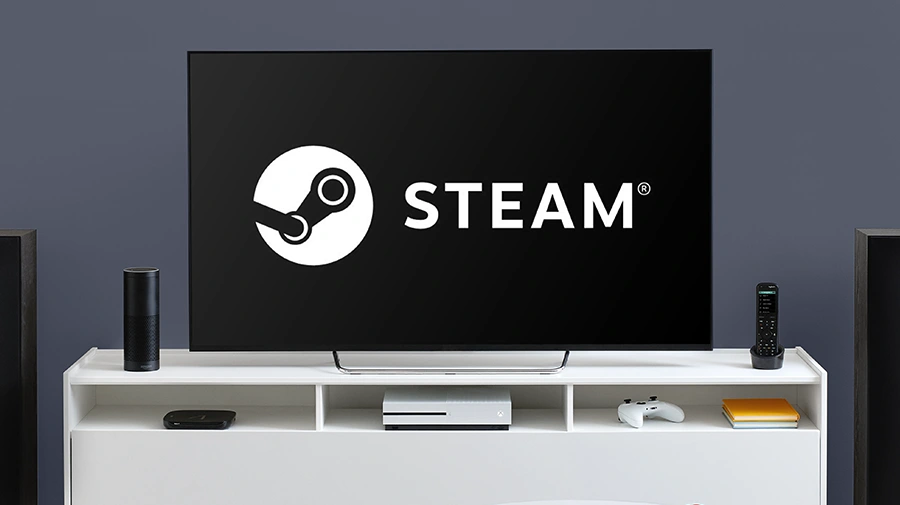 |
STEAM BIG PICTUREPlay on your TV. Pair the F310 with Big Picture and navigate Steam, surf the web, play games and more from the comfort of your couch. Bring your entire library of Steam games to the living room, grab your F310, sit back, and enjoy. |
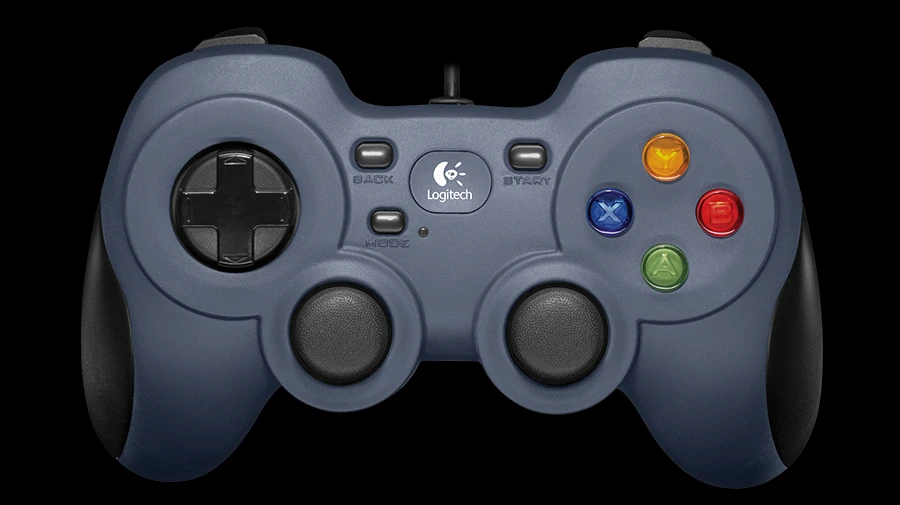 |
FAMILIAR CONSOLE-LIKE LAYOUTPick up and play. Your instincts will guide your actions over the familiar layout. Youíll be off and gaming in no time. Crafted for a console-like control experience and innovated from traditional design, F310 fits like a glove. |
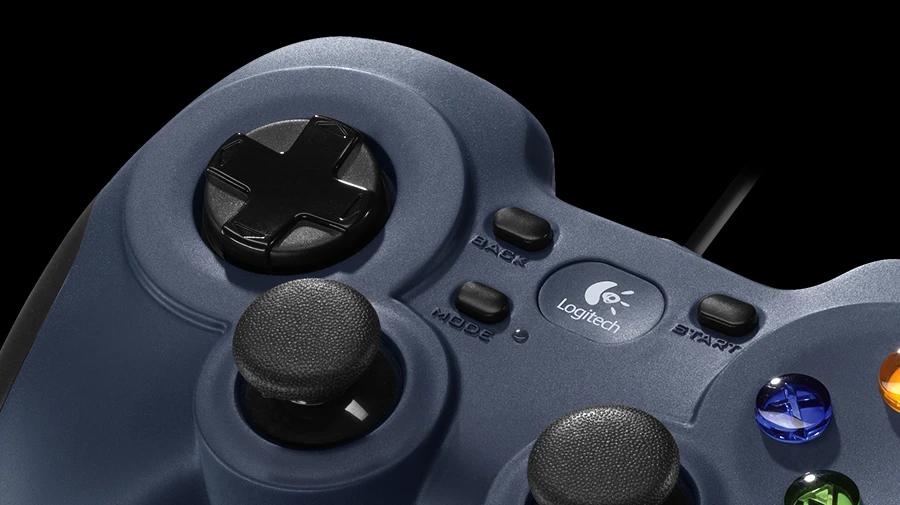 |
EXCLUSIVE 4-SWITCH D-PADStandard D-pads rest on a single pivot point, resulting in mushy control. The D-pad glides over four individual switches for a more responsive, tactile feel. |
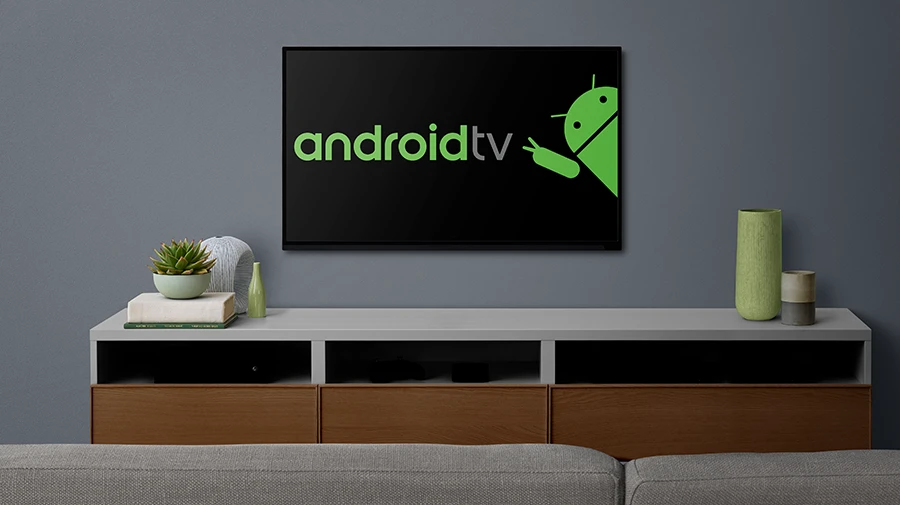 |
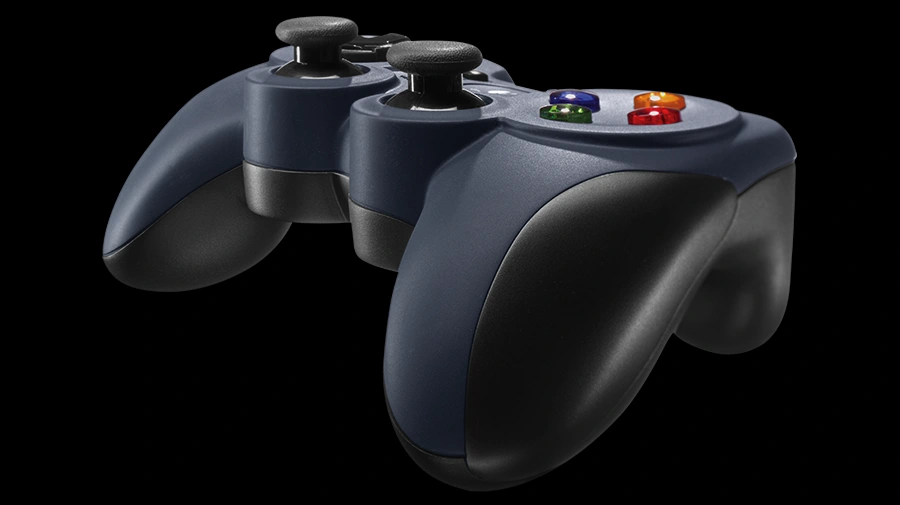
WORKS WITH ANDROID TVOur game controllers work well with Sony Android TVôs. With the controller switch in XID mode, our console-like layout will give you the edge as you compete. Smooth curves and contoured rubber grips provide long, comfortable play sessions. Standard Android TV controls - provided through the Logitech Logo button on the gamepad together with the Back key on the controller - allow you to navigate your Android TV seamlessly. |
 |
EASY TO SET UP AND USEAdapt and customize. Change the standard commands or adapt F310 for play with an unsupported title, using Logitech profiler software. Buttons and controls are fully programmable and can even mimic keyboard and mouse commands. |
- \n
- Cord Length: 1.8 meters \n
- Layout: Console-like \n
- D-Pad: 4-switch \n
- Package Contents: Gamepad, User documentation \n
- System Requirements: Windows 8, Windows 7, or Windows Vista \n
Frequently Asked Questions
\nQ: What operating systems is the LOGITECH F310 WIRED GAMEPAD compatible with?
\nA: The LOGITECH F310 WIRED GAMEPAD is compatible with Windows 8, Windows 7, and Windows Vista.
\n\nQ: What is the length of the cord on this gamepad?
\nA: The cord on the F310 WIRED GAMEPAD is 1.8 meters long.
\n\nQ: What items are included when purchasing the LOGITECH F310 WIRED GAMEPAD?
\nA: The package includes the LOGITECH F310 WIRED GAMEPAD itself and user documentation.
"} {"meta_title": "LOGITECH F310 Wired Gamepad for PC Gaming", "meta_description": "Experience reliable PC gaming with the LOGITECH F310 Wired Gamepad, featuring a console-like layout and broad Windows compatibility."}