
J5CREATE USB-C TO 4-PORT HDMI MULTI-MONITOR ADAPTER (MAC & WINDOWS)
J5CREATE USB-C TO 4-PORT HDMI MULTI-MONITOR ADAPTER (MAC & WINDOWS)
If you have any questions, you are always welcome to contact us. We'll get back to you as soon as possible, within 24 hours on weekdays.
-
Shipping Information
Use this text to answer questions in as much detail as possible for your customers.
-
Customer Support
Use this text to answer questions in as much detail as possible for your customers.
-
FAQ’s
Use this text to answer questions in as much detail as possible for your customers.
-
Contact Us
Use this text to answer questions in as much detail as possible for your customers.
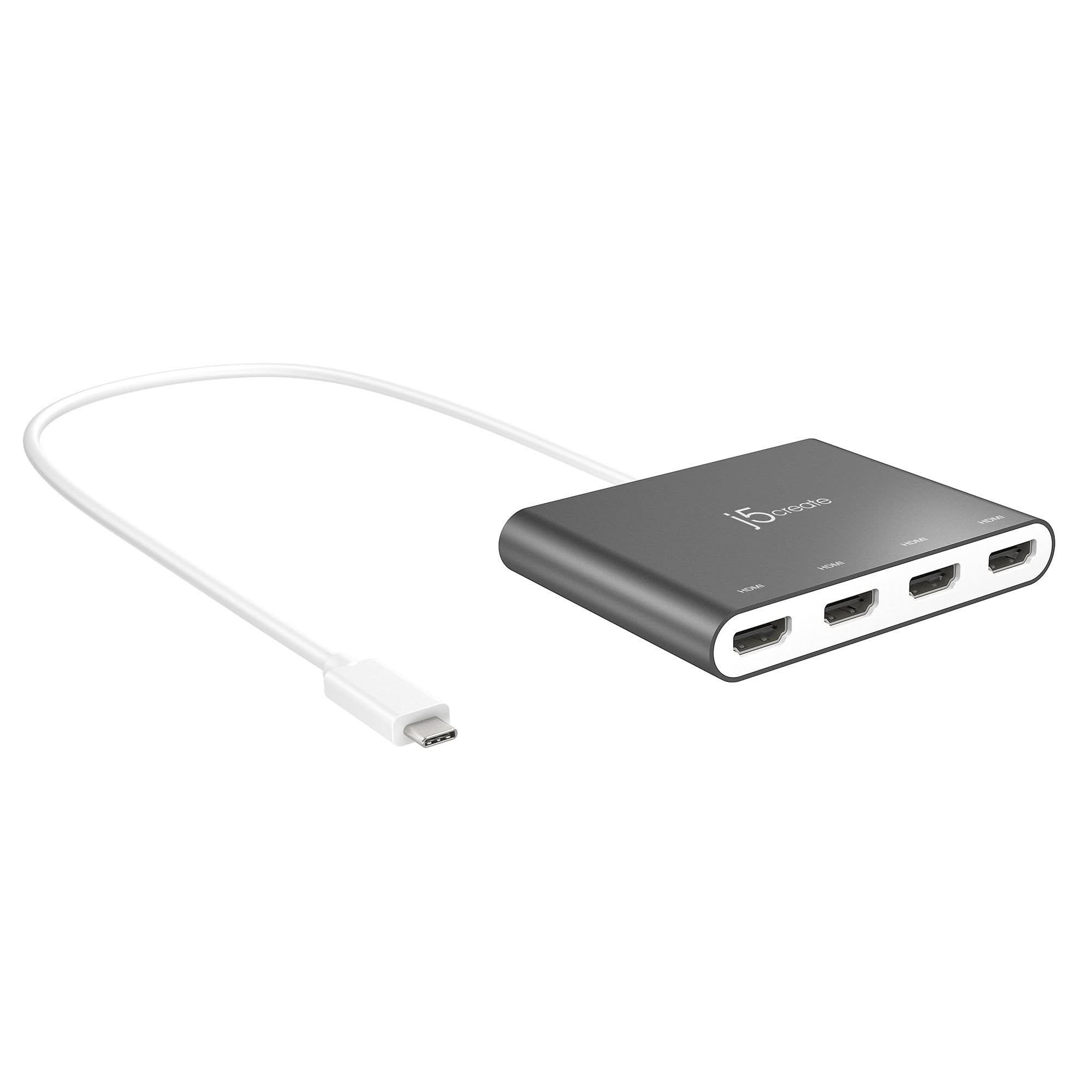
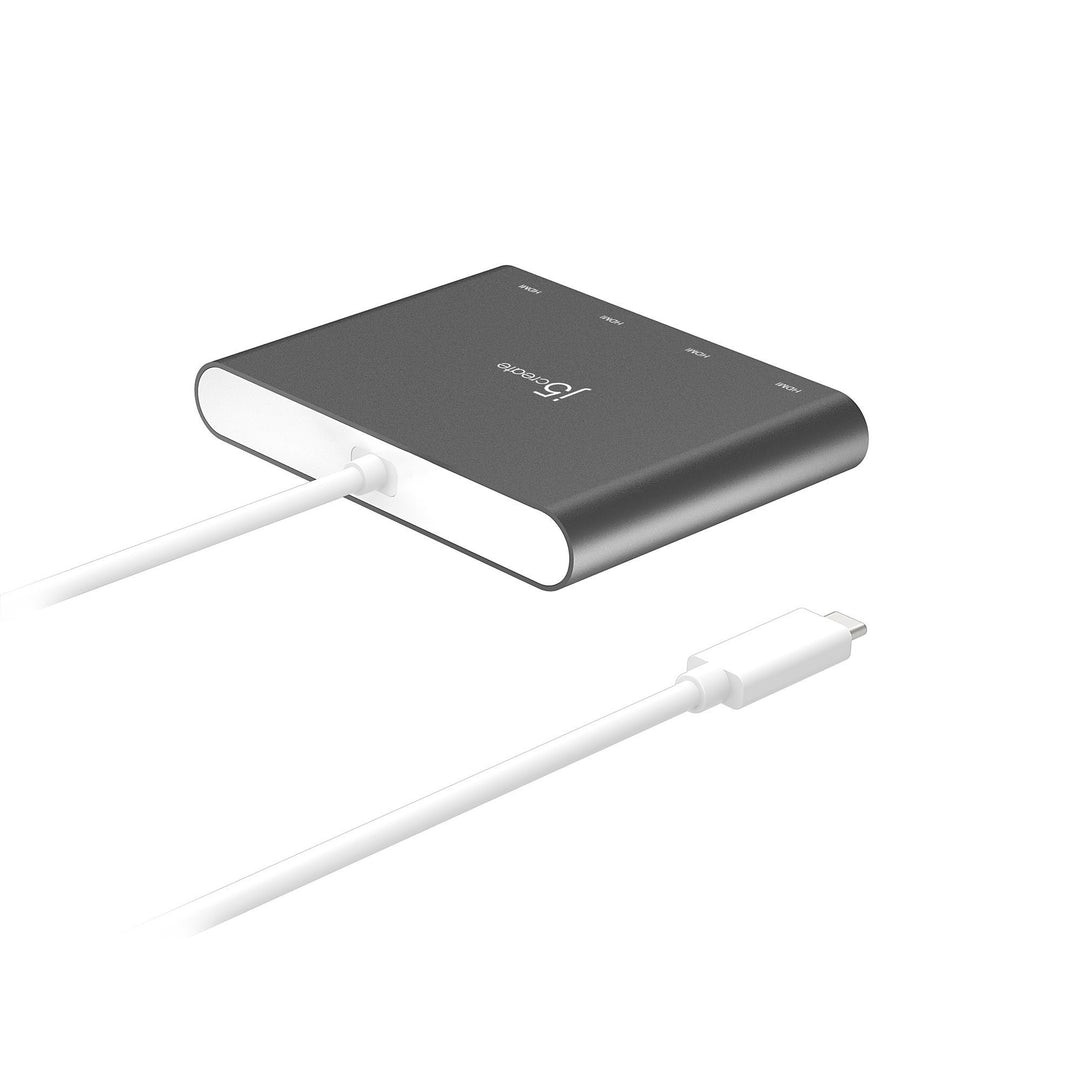
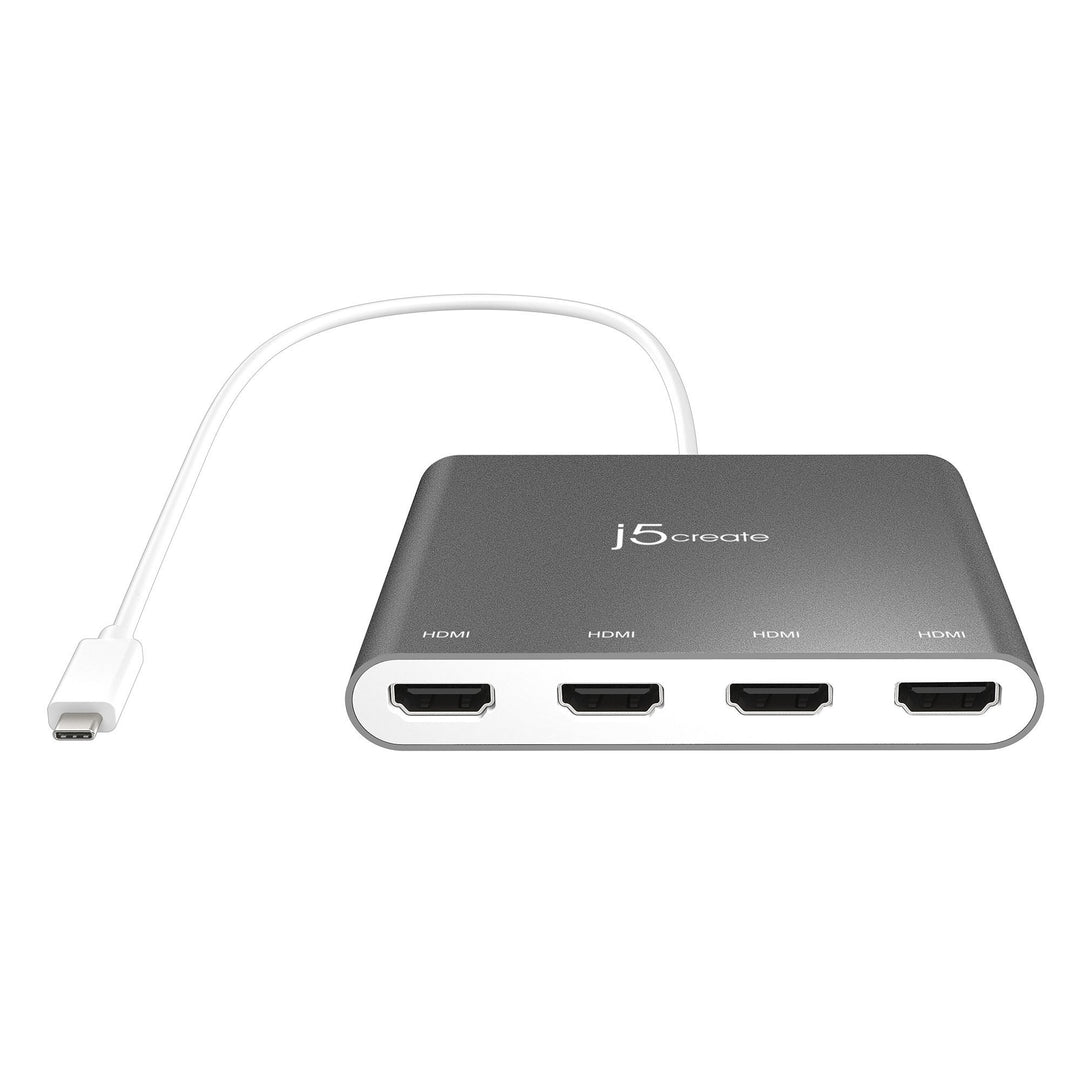
The J5CREATE USB-C to 4-Port HDMI Multi-Monitor Adapter functions as an external video card, allowing you to add four additional monitors or displays through your USB-C port. This adapter provides a versatile solution for expanding your visual workspace on both Mac and Windows devices, offering an efficient alternative for multi-display setups.
Key Features at a Glance
- Functions as an external video card for your computer.
- Adds four additional monitors/displays via a single USB-C port.
- Supports 1080p HDMI resolution (1920 x 1080 @ 60 Hz).
- Includes stereo audio support (48 kHz embedded audio).
- Offers display rotation options: 0°, 90°, 180°, and 270°.
- USB-C powered, requiring no external power supply.
Expand Your Workspace
Increase your productivity by extending your desktop across multiple displays. This adapter allows you to multi-task with a larger visual area, making it ideal for viewing large programs or several applications simultaneously without overlapping windows.
High-Resolution Visuals with Audio
Experience clear visuals with 1080p HDMI resolution at 60 Hz, perfect for video playback. Enjoy immersive sound with 48 kHz embedded stereo audio support. The adapter also provides flexible display rotation at 0°, 90°, 180°, and 270°.
Effortless Setup and Power
Benefit from fast installation by simply plugging into your USB-C port and installing the necessary driver. The adapter is USB™ powered by your computer, eliminating the need for an additional external power source.
Enhanced Management for Windows® Users
Windows® users can take advantage of the free Multi-Monitor Assistant application. This tool helps with managing multiple windows across screens, offering features like dragging, dropping, zooming, and cascading windows for optimized workflow.
Technical Specifications
System Requirements:
- Windows® 10 or later
- macOS® 10.14 or later
- Available USB-C® port (USB™ 3.1 / 3.0 recommended)
- For office applications / web browsers: Intel® Core™ i5 Quad Core CPU, 4 GB RAM or higher
- For video playback: Intel® Core™ i7 Quad Core CPU, 8 GB RAM or higher recommended
Special Notes:
- Driver installation is required for macOS® and Windows®. Windows® can auto-install if network access and admin rights are available.
- Multi-Monitor Assistant Application is available for Windows® only.
| Hardware | |
|
Warranty |
2 Year Limited |
|
Host Connector |
1 - USB-C® 3.1 Male |
|
Video Output |
4 - HDMI™ Female |
|
Power Source |
Bus-powered |
|
Audio Supported |
Yes |
|
USB™ Pass-Through |
No |
|
Ports |
4 – 1080p HDMI™ |
|
Performance |
|
|
Maximum Display Resolution |
1920 x 1080 |
|
Maximum Display Refresh Rate |
60 Hz |
|
Displays Supported |
4 |
|
Wide Screen Supported |
Yes |
|
Audio Channel |
2.1 via HDMI™ |
| Power | |
|
Power Delivery |
N/A |
|
Power Consumption |
≤ 900 mA |
|
Physical Specifications |
|
|
Color |
Silver |
|
Enclosure Type |
Aluminum |
|
Cable Length |
19.69 in. (50 cm) |
|
Product Height |
3.13 in. (79.5 mm) |
|
Product Width |
4 in. (101.5 mm) |
|
Product Depth |
0.63 in. (16 mm) |
|
Product Weight |
5.57 oz (158g) |
|
Storage Temperature |
14 to 160°F (-10 to 71°C) |
|
Storage Humidity |
< 85% non-condensing |
|
Operating Temperature |
32 to 113°F (0 to 45°C) |
|
Operating Humidity |
< 85% non-condensing |
Package Contents:
- 1 - JCA366 USB-C® to 4-Port HDMI™ Multi-Monitor Adapter
- 1 - Quick Installation Guide
Frequently Asked Questions
Q: What operating systems are supported by this adapter?
A: The J5CREATE USB-C to 4-Port HDMI Multi-Monitor Adapter supports Windows® 10 or later and macOS® 10.14 or later.
Q: Is an external power adapter required for the JCA366?
A: No, the adapter is USB™ powered by the computer, over SuperSpeed USB™ 3.0 / 3.1, and does not require an external power supply.
Q: Can I use the Multi-Monitor Assistant application on a Mac?
A: The Multi-Monitor Assistant application is currently available for Windows® only and cannot be used on macOS devices.