


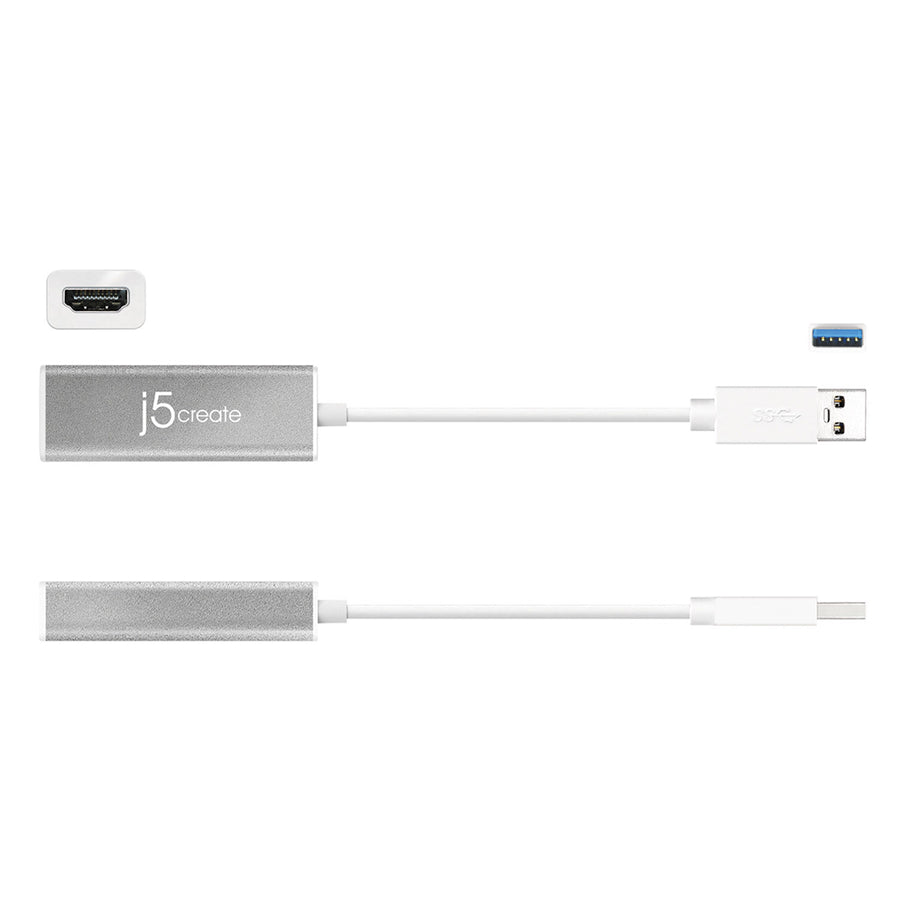

J5CREATE USB 3.0 TO HDMI SLIM DISPLAY ADAPTER
If you have any questions, you are always welcome to contact us. We'll get back to you as soon as possible, within 24 hours on weekdays.
-
Shipping Information
Use this text to answer questions in as much detail as possible for your customers.
-
Customer Support
Use this text to answer questions in as much detail as possible for your customers.
-
FAQ’s
Use this text to answer questions in as much detail as possible for your customers.
-
Contact Us
Use this text to answer questions in as much detail as possible for your customers.
The J5CREATE USB 3.0 TO HDMI SLIM DISPLAY ADAPTER (JUA355) instantly expands your workstation by allowing you to attach additional displays via an HDMI connection. Acting as an external video card, this adapter eliminates the need for lengthy setups or complicated internal hardware installations, providing a seamless multi-monitor experience.
Key Features at a Glance
- Easily add an additional display through a USB 3.0 connection.
- Supports 1080p HD video playback with resolutions up to 2048 x 1152.
- Functions as an external video card, avoiding complex internal installation.
- Hot-swappable USB allows adding or removing monitors without system reboot.
- Supports up to four displays on a single computer.
- Offers extended, mirrored, rotational (Mac excluded), or primary display modes.
Boost Your Productivity with Multi-Display Power
Transform your workspace into a fully-functioning powerhouse. The JUA355 enables you to move and view large spreadsheets across two screens without overlapping windows and multitask with a larger desktop space. It's ideal for call centers, stock markets, hospitals, graphic design, editing, and accounting, making it easier to manage multiple applications simultaneously.
Effortless Setup and Seamless Flexibility
Experience the convenience of expanding your visual workspace without the hassle. This slim display adapter connects quickly via USB, offering various display configurations to suit your needs. Its hot-swappable design means you can adjust your monitor setup on the fly, providing maximum flexibility for any task.
Technical Specifications
|
Interface |
|
|
Host Interface |
USB™ 3.0 Male Type-A Connector |
|
Video Interface |
HDMI™ Female Connector |
|
Power |
|
|
Power Mode |
Bus-powered |
|
Power Consumption |
≦ 500 mA |
|
Physical Specifications |
|
|
Housing Material |
Aluminum |
|
Dimensions |
Main body: 23.4(W) x 67.72(H) x 14.45(D) mm |
|
Weight |
Approximately 33.5g |
The J5CREATE USB 3.0 TO HDMI SLIM DISPLAY ADAPTER is designed for broad compatibility with modern operating systems and offers robust display capabilities.
System Requirements:
- Microsoft Windows 10 or later
- macOS 10.9 or later
- Available USB 3.0/2.0 port (USB 3.0 recommended)
- Driver will automatically install on 10 / 8.1 / 8 / 7 (Requires internet access)
Important Notes:
- A USB hub is not recommended for USB 3.0 display adapters.
- Driver installation is required for macOS and Windows. If the computer has network access and administrative rights, Windows can automatically install the driver when the device is plugged in.
- Visit the j5create driver page to ensure your device has the most current driver.
|
QTY |
1 - 2 Displays |
3 - 4 Displays |
|
CPU |
Intel® Dual Core 1.8 GHz or above |
Intel® Dual Core 1.8 GHz or above |
|
RAM |
2 GB memory or higher |
4 GB memory or higher |
|
Full HD Video |
Requirements for playing video on the extended monitor |
|
Frequently Asked Questions
Q: What operating systems are compatible with this adapter?
A: The J5CREATE USB 3.0 TO HDMI SLIM DISPLAY ADAPTER is compatible with Microsoft Windows 10 or later, and macOS 10.9 or later.
Q: What is included with the JUA355 adapter?
A: The package contains the JUA355 USB 3.0 HDMI Slim Display Adapter and a Quick Installation Guide.
Q: Do I need to install drivers for this display adapter?
A: Yes, driver installation is required for macOS and Windows. Windows (versions 10/8.1/8/7) can automatically install the driver if the computer has network access and administrative rights. For the latest drivers, please visit the j5create driver page.
