

ELGATO WAVE NEO USB MICROPHONE FOR PC OR MAC, PLUG N PLAY 10MAI9901
ELGATO WAVE NEO USB MICROPHONE FOR PC OR MAC, PLUG N PLAY 10MAI9901
If you have any questions, you are always welcome to contact us. We'll get back to you as soon as possible, within 24 hours on weekdays.
-
Shipping Information
Use this text to answer questions in as much detail as possible for your customers.
-
Customer Support
Use this text to answer questions in as much detail as possible for your customers.
-
FAQ’s
Use this text to answer questions in as much detail as possible for your customers.
-
Contact Us
Use this text to answer questions in as much detail as possible for your customers.
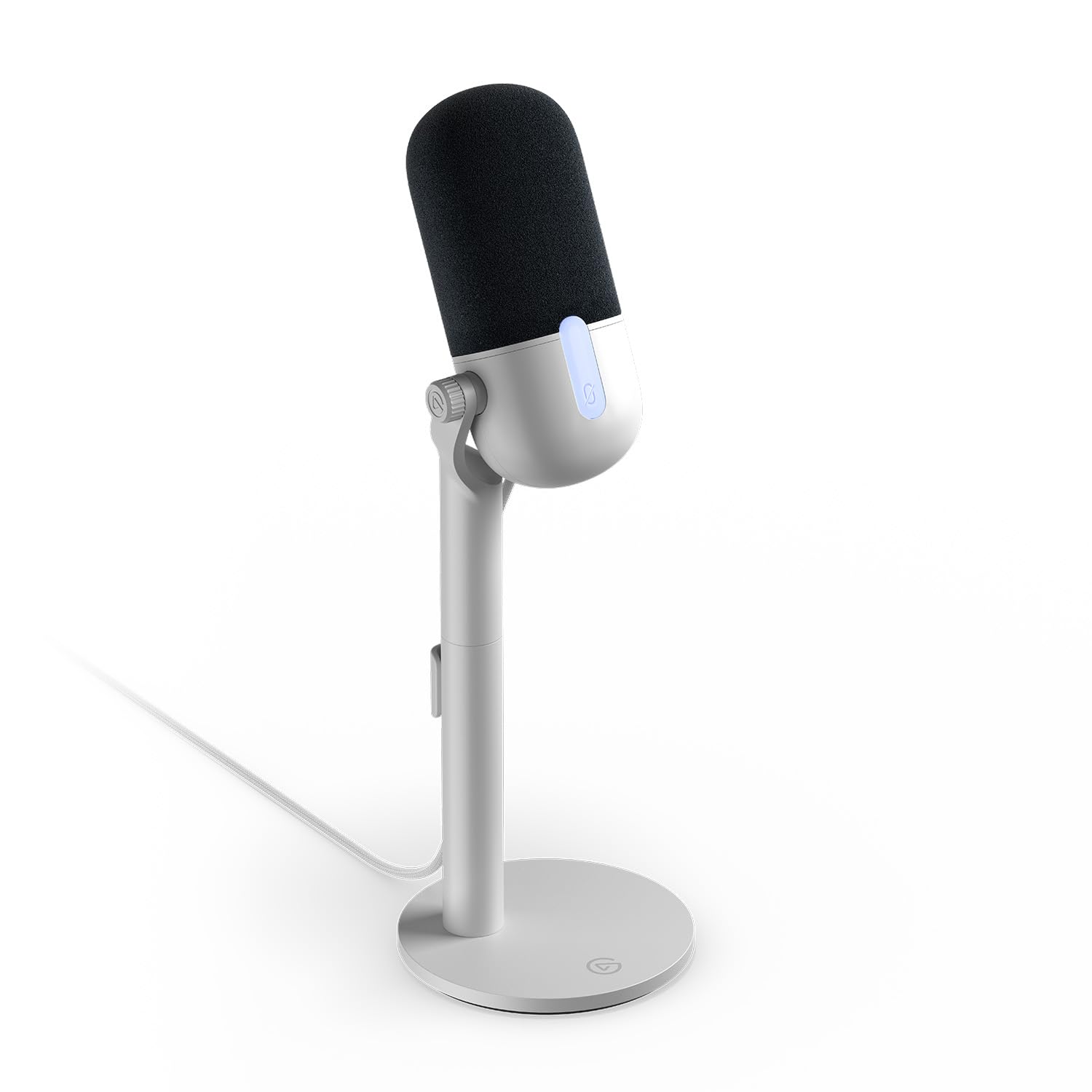
Elevate your audio experience with the Elgato Wave Neo USB Microphone, designed for clear, professional sound without the distortion often found in built-in microphones. This plug-and-play microphone offers immediate setup and broad compatibility, making it an ideal choice for content creation, communication, and recording on PC, Mac, and various other devices.
Key Features at a Glance
- Delivers professional-grade sound without distortion.
- Plug-and-play functionality requires no software setup.
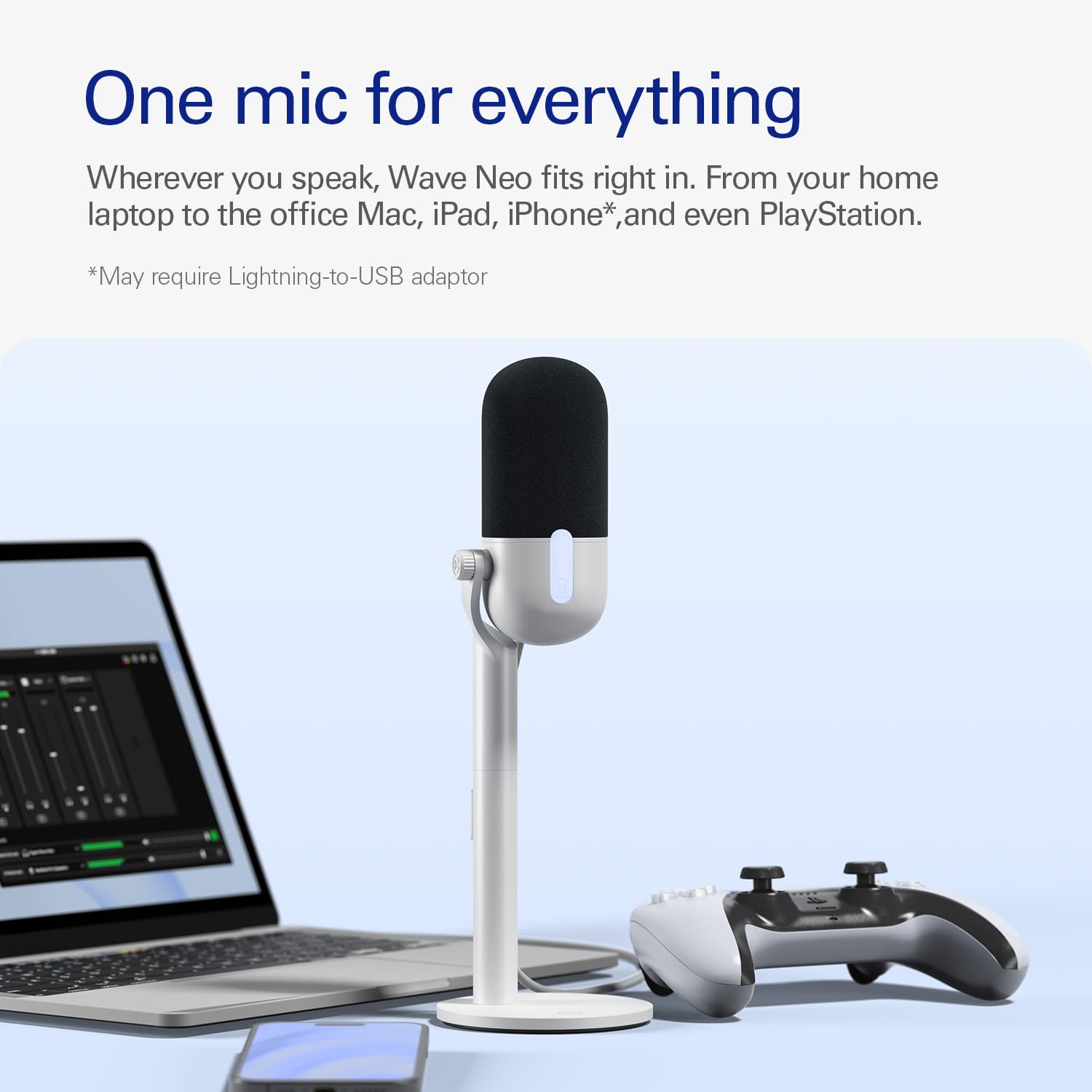
- Compatible with PC, Mac, iPad, PS5, and iPhone*.
- Features a tap-to-mute function with a red LED indicator.
- Includes a raised desktop stand for optimal positioning.
Effortless Setup and Use
Experience instant audio enhancement with the Wave Neo's plug-and-play design. No complicated software installations are needed; simply connect and start recording or communicating with superior clarity, right out of the box.
Crystal-Clear Audio Performance
Say goodbye to muffled or distorted sound from built-in microphones. The Elgato Wave Neo delivers premium audio quality, ensuring your voice sounds smooth, professional, and clear to listeners, whether you're at home, in the office, or on the go.
Versatile Compatibility and Control
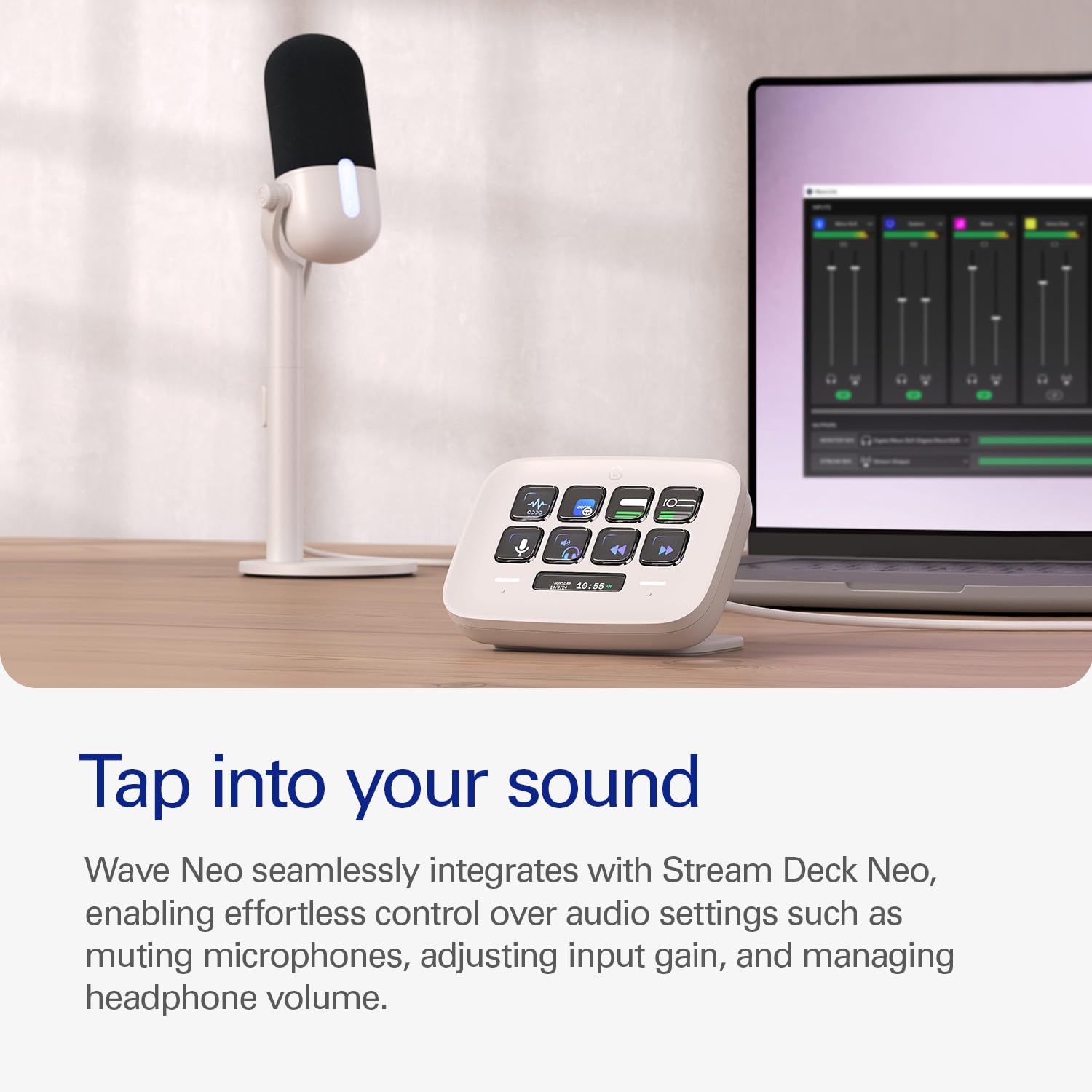
Connect seamlessly to a wide range of devices, including your PC, Mac, iPad, PS5, and iPhone*. The convenient tap-to-mute function, indicated by a red LED, provides instant privacy and control over your audio during any session. The microphone also comes with a raised desktop stand for ideal positioning. *Requires USB-C-to-Lightning adaptor for iPhone.
Technical Specifications
| Special Feature | Stand |
|---|---|
| Compatible Devices | Laptop |
| Colour | White |
| Included Components | mic, stand, Riser(3.9 in), Foampop filter,USB-C, 2.0cable) |
| Polar Pattern | Omnidirectional |
| Audio Sensitivity | 23 dB |
| Item Weight | 77 g |
| Item dimensions L x W x H | 42 x 53 x 122 Millimeters |
| Power Source | Corded Electric |
| Signal-to-Noise Ratio | 72 dB |
| Hardware Platform | PC, iOS, Android |
| Number of Channels | 1 |
| Frequency Range | 20 hz - 20 khz |
| Frequency Response | 20 KHz |
| Noise Level | 120 dB |
| Manufacturer | Elgato Corsair, Corsair |
| UPC | 840006673460 |
| Model | NEOWAVE |
| Product Dimensions | 4.19 x 5.31 x 12.19 cm; 77.11 g |
| Item model number | NEOWAVE |
| Special Features | Stand |
| Number of items | 1 |
| Voltage | 5 Volts |
| Batteries Included | No |
| Batteries Required | No |
| Does it contain liquid? | No |
| Manufacturer | Elgato Corsair |
| Country of Origin | China |
| Item Weight | 77.1 g |
Frequently Asked Questions
Q: Is software required to use the Elgato Wave Neo USB Microphone?
A: No, the Elgato Wave Neo is a plug-and-play microphone, requiring no software setup right out of the box.
Q: What devices are compatible with this microphone?
A: The Elgato Wave Neo is compatible with PC, Mac, iPad, PS5, and iPhone. Please note that an additional USB-C-to-Lightning adapter is required for iPhone use.
Q: How do I mute the microphone?
A: You can mute the microphone by simply tapping it. An LED indicator on the microphone will glow red when it is muted.
