


AULA S2022 BLACK MECHANICAL GAMING KEYBOARD
AULA S2022 BLACK MECHANICAL GAMING KEYBOARD
If you have any questions, you are always welcome to contact us. We'll get back to you as soon as possible, within 24 hours on weekdays.
-
Shipping Information
Use this text to answer questions in as much detail as possible for your customers.
-
Customer Support
Use this text to answer questions in as much detail as possible for your customers.
-
FAQ’s
Use this text to answer questions in as much detail as possible for your customers.
-
Contact Us
Use this text to answer questions in as much detail as possible for your customers.
Elevate your gaming and typing experience with the AULA S2022 BLACK MECHANICAL GAMING KEYBOARD. Featuring responsive Blue Switches and vibrant rainbow backlighting, this durable keyboard is designed for both intense gaming sessions and comfortable daily use. Its ergonomic design and convenient multimedia controls offer a versatile solution for PC gamers, typists, and professionals alike.
Key Features at a Glance
- Responsive Blue Switch mechanical shaft for satisfying tactile typing and gaming.
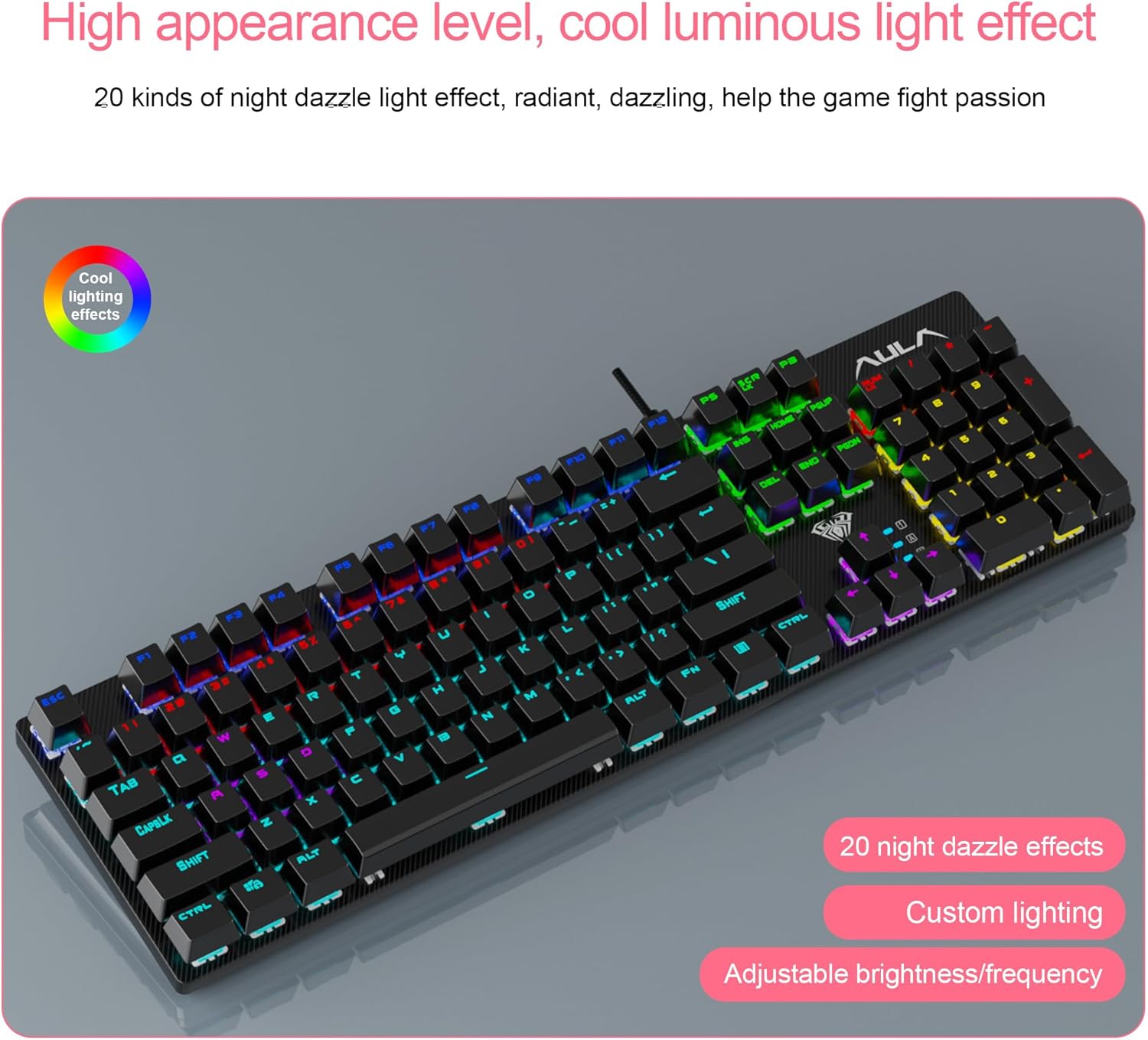
- Vibrant 4-mode rainbow backlighting with adjustable brightness and speed.
- Durable ABS panel featuring a matte-finish texture for scratch resistance.
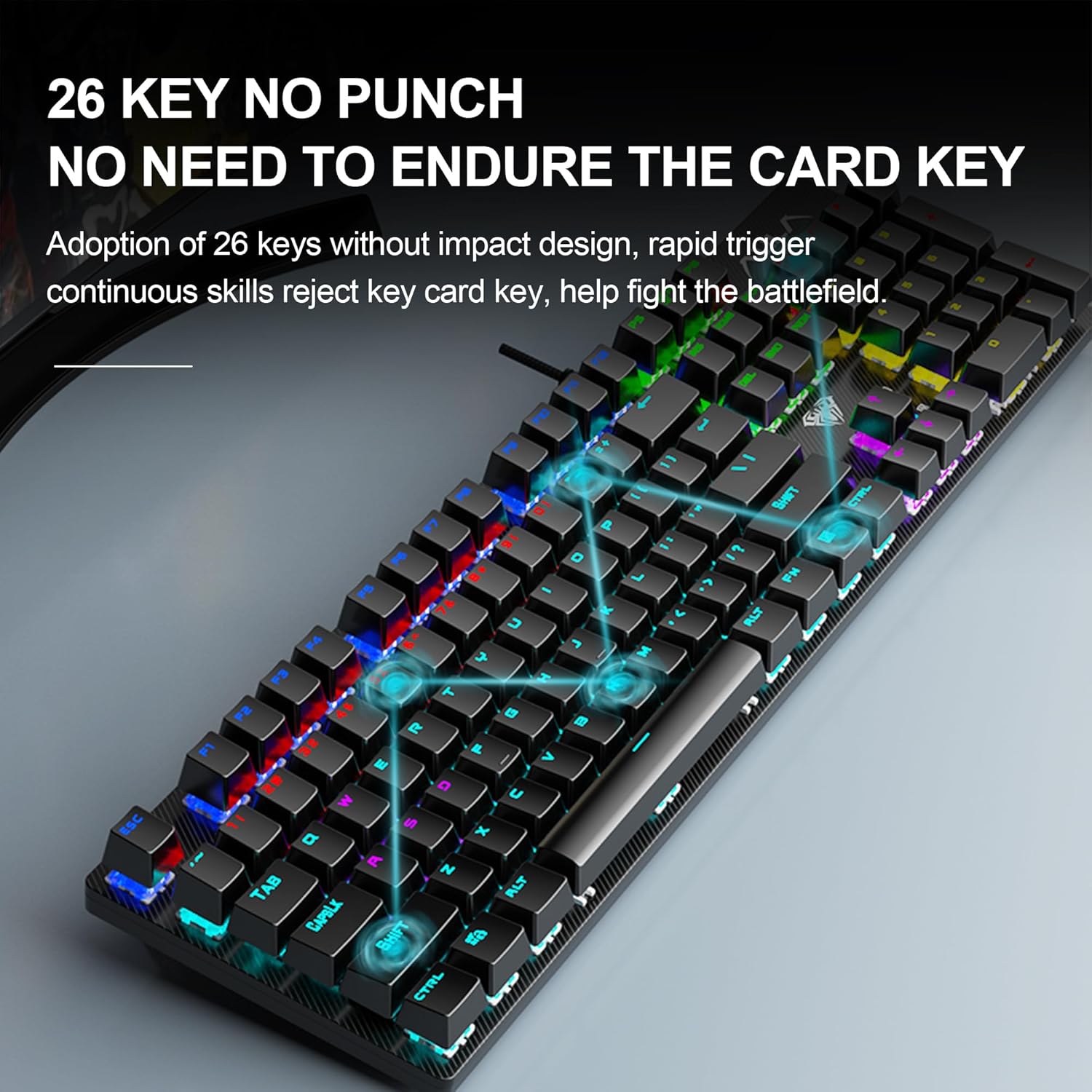
- 26-key rollover anti-ghosting technology ensures simultaneous key presses are registered.
- Convenient multimedia and backlight control via integrated shortcut keys.
- Ergonomic design with high and low stepped keycap layout for comfortable use.
Enhanced Gaming Performance
Experience seamless gameplay with 26-key rollover anti-ghosting technology, ensuring every command is registered during intense gaming. The Win lock function frees you from mistyping worries, while the professional Blue Switches deliver accurate and responsive key commands for both typing and gaming. Immerse yourself further with bright, 4-mode colorful rainbow backlighting that creates a great gaming atmosphere.
Durable and User-Friendly Design
Built to last, the keyboard features a top-grade ABS panel with a matte-finish texture, providing sturdiness and robust protection against scratches. The classic two-color injection suspension keycaps are wear-resistant, fade-resistant, and offer good light transmittance with clear fonts. Designed for practicality, it is waterproof and easy to clean. The ergonomic high and low stepped buttons arrangement ensures a convenient and comfortable typing experience.
Seamless Multimedia and Lighting Control
Effortlessly manage your media and lighting settings with dedicated shortcut keys. Control previous track, next track, play/pause, stop, mute, and adjust volume. Easily switch between 4 different lighting effects or fine-tune the backlit brightness and speed to match your preference or turn them off completely.
Technical Specifications
| Brand | AULA |
| Model | S2022 |
| Model Name | S2022 Gaming Mechanical Keyboard |
| Product Dimensions | 43.5 x 12.5 x 3.8 cm; 840 g |
| Item model number | S2022 |
| Operating System | Windows 8.1, Windows XP, Windows 8, Windows 7, Windows 2000, Windows 10 |
| Hardware Platform | PC |
| Hardware Interface | USB 2.0 |
| Compatible Devices | Laptop, PC, Tablet, Macbook |
| Special Features | Waterproof, Ergonomic, Backlit |
| Mounting Hardware | USB Cable |
| Number of items | 1 |
| Keyboard Description | Gaming |
| Connector Type | USB-A |
| Material | ABS Plastic |
| Hand Orientation | Ambidextrous |
| Has an attached light | Yes |
| Item Weight | 840 g |
Frequently Asked Questions
Q: What type of switch does this keyboard use?
A: It uses a professional mechanical shaft with Blue Switches, designed for a satisfying tactile typing and gaming experience.
Q: Is this keyboard compatible with gaming consoles and various operating systems?
A: Yes, it is suitable for PS4, PS5, Xbox, PC, MAC tablets, laptops, and desktop computers. It is compatible with Mac OS, Windows 7/8/10/XP/VISTA.
Q: Can I customize the backlighting of the keyboard?
A: Yes, the keyboard features 4 modes of colorful rainbow backlighting, and you can adjust both the brightness and lighting speed using shortcut keys. You can also select or turn off the lighting effects according to your needs.
