


AULA AWK310 WIRELESS BLUETOOTH MULTI DEVICE KEYBOARD BLACK
If you have any questions, you are always welcome to contact us. We'll get back to you as soon as possible, within 24 hours on weekdays.
-
Shipping Information
Use this text to answer questions in as much detail as possible for your customers.
-
Customer Support
Use this text to answer questions in as much detail as possible for your customers.
-
FAQ’s
Use this text to answer questions in as much detail as possible for your customers.
-
Contact Us
Use this text to answer questions in as much detail as possible for your customers.
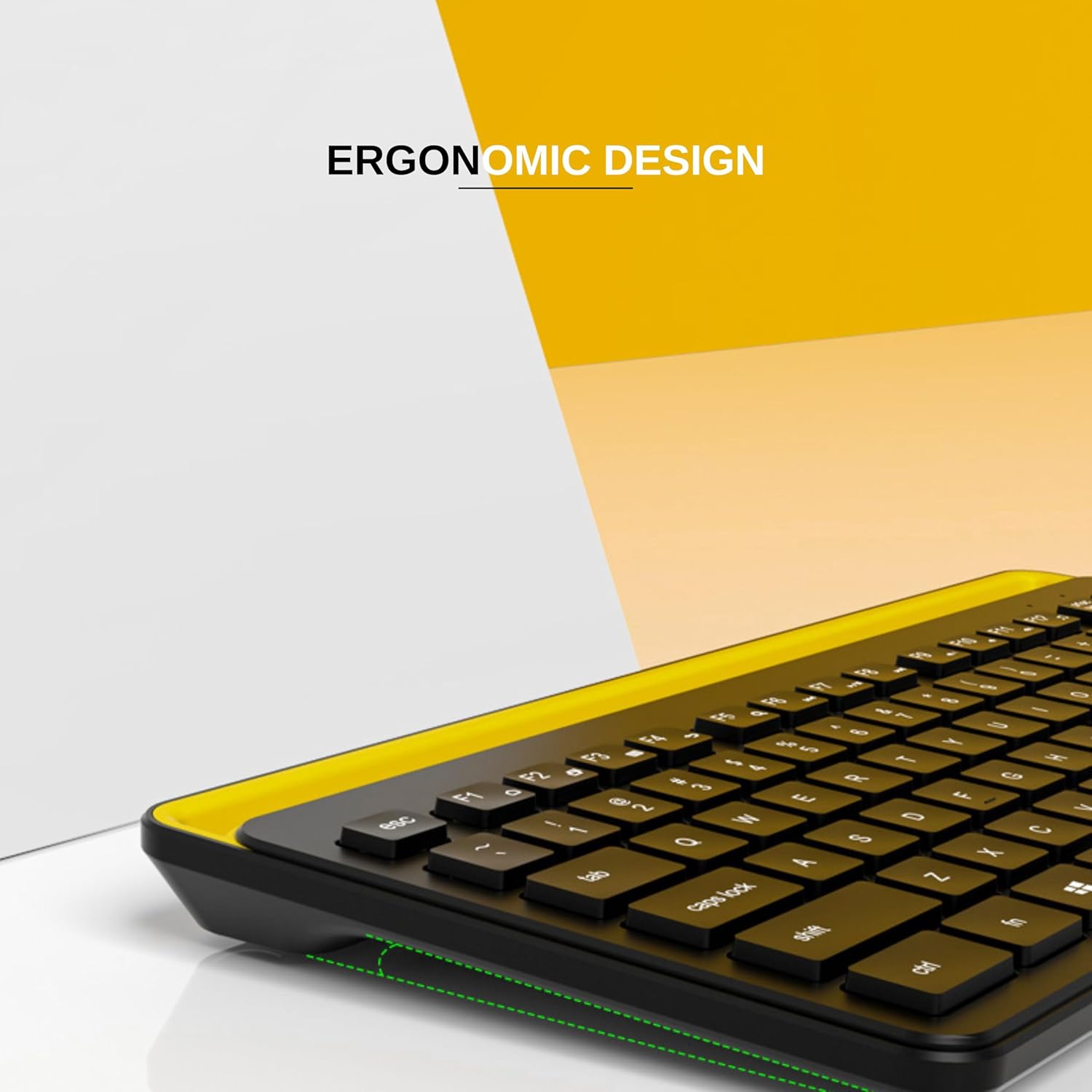
Experience seamless connectivity and enhanced productivity with the AULA AWK310 Wireless Bluetooth Multi Device Keyboard. Designed for versatility and comfort, this black keyboard offers an integrated cradle, user-friendly features, and a compact design, making it an ideal companion for work or play across multiple devices.


Key Features at a Glance
- Effort-free Bluetooth pairing for quick setup
- Integrated cradle holds devices up to 0.5 inches thick and 13 inches wide
- Compact and portable slim design
- User-friendly design with intuitively arranged keys and function keys
- High-speed typing experience for efficiency
- Compatible with most PCs, smartphones, and tablets (Bluetooth 4.0+)
Effortless Multi-Device Connectivity
Syncing the AULA AWK310 keyboard to your devices is simple and quick. Enjoy a seamless Bluetooth connection that lets you switch between your PC, smartphone, or tablet, ensuring you can dive into your tasks without any setup hassle.
Integrated Cradle for Convenience
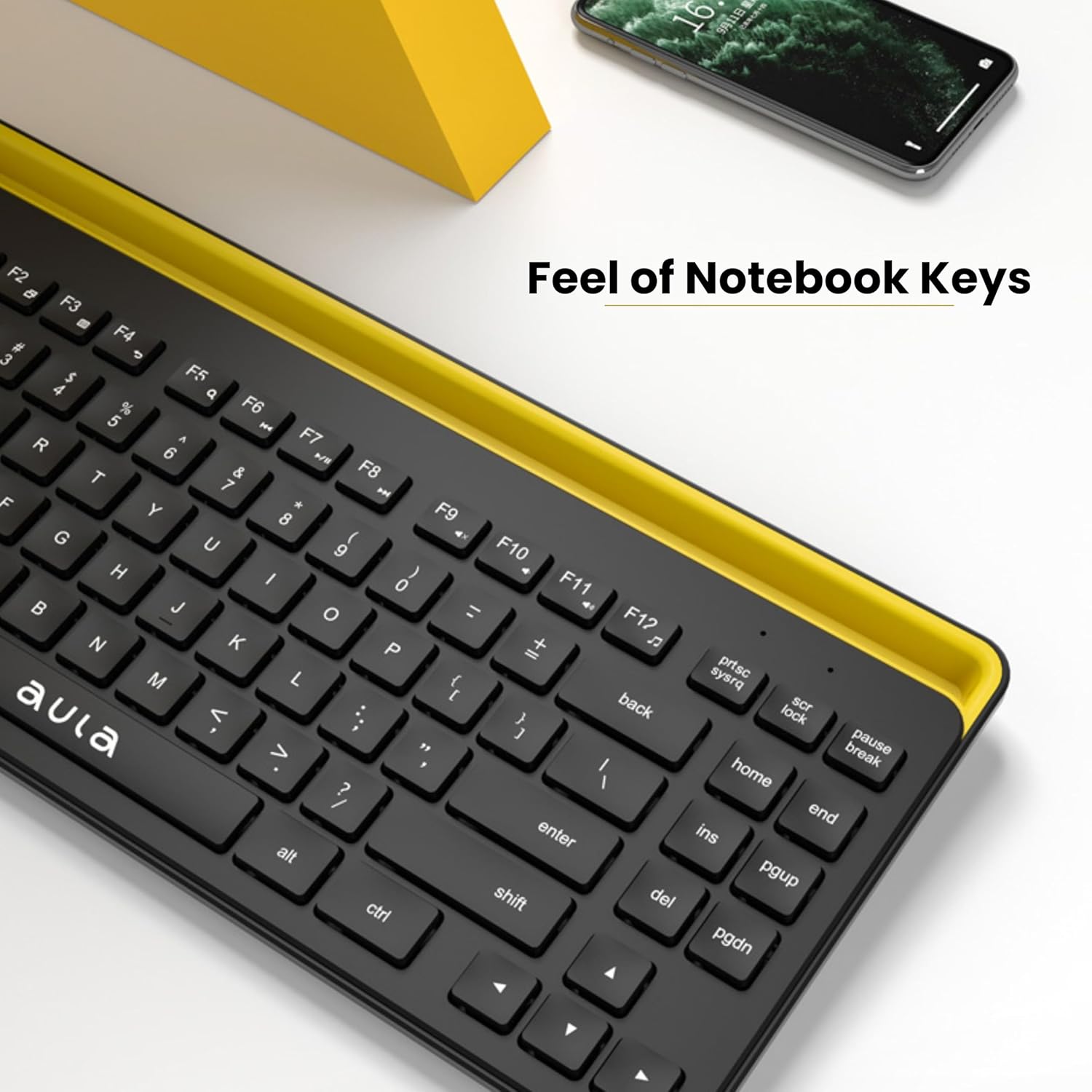
Optimize your workspace with the built-in cradle, designed to securely hold your phone or tablet at an ideal viewing angle. This feature supports most devices up to 0.5 inches thick and 13 inches wide, keeping your screen visible while you type.
Compact Design, Comfortable Typing
Despite its slim and portable design, the AULA AWK310 offers a comfortable typing experience, allowing for high-speed input wherever you are. Easily slip it into your bag and maintain efficiency on-the-go, whether for professional tasks or personal use.
Enhanced User Experience
Benefit from intuitively arranged keys and a smooth touch, ensuring ultimate typing comfort. The keyboard is also equipped with convenient function keys for easy media control, enhancing your overall interaction and productivity.
Technical Specifications
| Brand | AULA |
|---|---|
| Series | AWK310 Wireless Keyboard |
| Colour | Black |
| Item Height | 2 Centimeters |
| Item Width | 35 Centimeters |
| Product Dimensions | 15 x 35 x 2 cm; 550 g |
| Batteries | 2 AAA batteries required. (included) |
| Item model number | AWK310 |
| Processor Count | 1 |
| Wireless Type | Bluetooth |
| Power Source | Battery Powered |
| Operating System | Windows XP Professional Edition, Linux, Chrome OS, Windows 8, iOS, Android |
| Average Battery Life (in hours) | 2 Years |
| Are Batteries Included | Yes |
| Item Weight | 550 g |
Frequently Asked Questions
Q: How do I pair the AULA AWK310 keyboard with my device?
A: Install batteries, flip the switch to "ON," then press and hold FN+1 for 5 seconds until the first light flashes. Search for "AWK310" on your device's Bluetooth settings and click to connect. Your device needs Bluetooth 4.0 or above.
Q: What devices are compatible with this keyboard?
A: The AULA AWK310 is compatible with most PCs, smartphones, iPhones, and tablets that have Bluetooth 4.0 or above.
Q: What are the dimensions for the integrated cradle?
A: The integrated cradle can hold most phones and tablets up to 0.5 inches thick and 13 inches wide.
