
WACOM CINTIQ PRO 27 DTH271K0B
If you have any questions, you are always welcome to contact us. We'll get back to you as soon as possible, within 24 hours on weekdays.
-
Shipping Information
Use this text to answer questions in as much detail as possible for your customers.
-
Customer Support
Use this text to answer questions in as much detail as possible for your customers.
-
FAQ’s
Use this text to answer questions in as much detail as possible for your customers.
-
Contact Us
Use this text to answer questions in as much detail as possible for your customers.
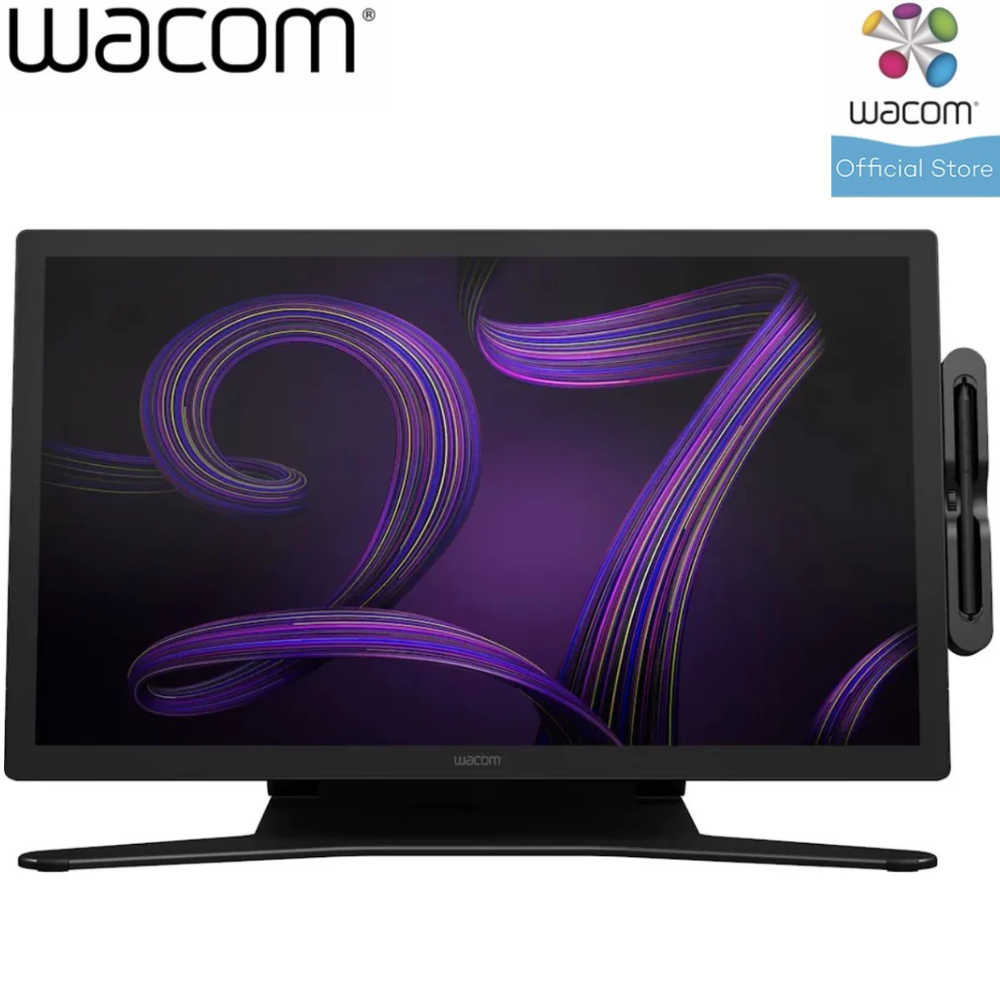
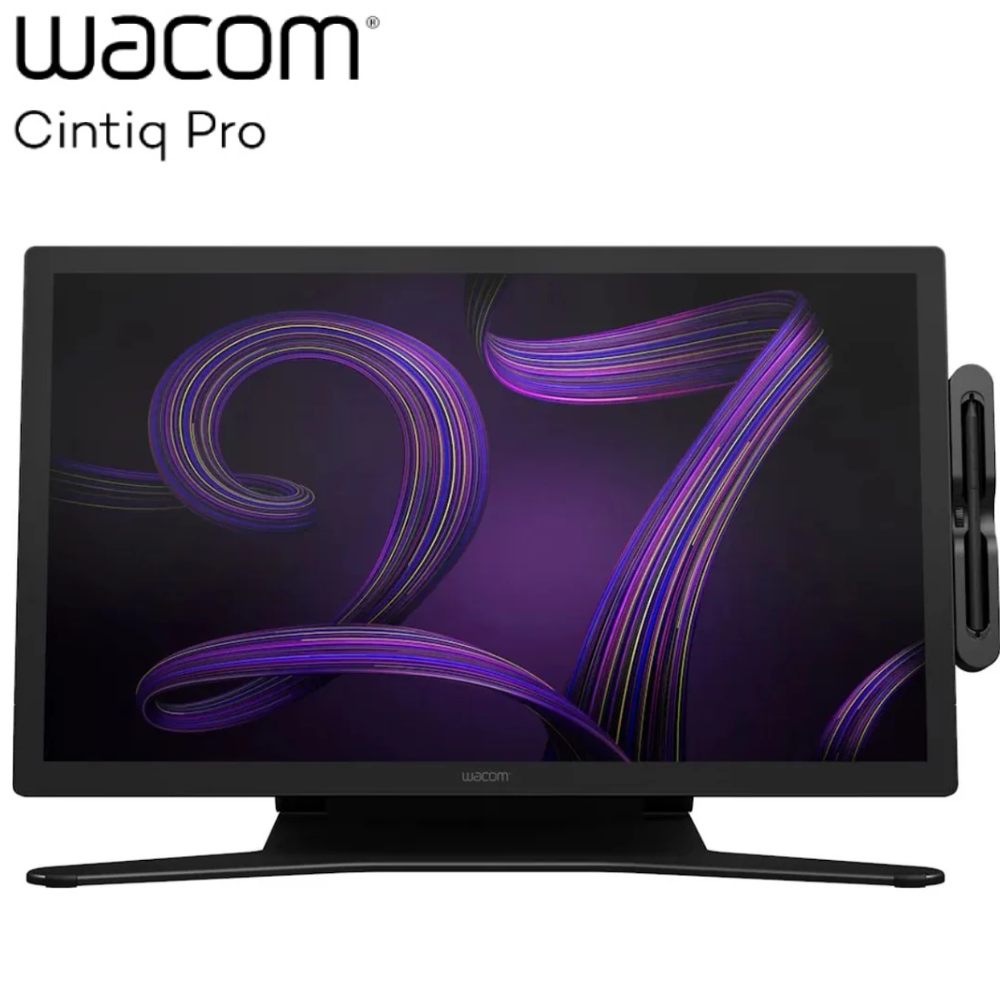
The WACOM CINTIQ PRO 27 DTH271K0B is a creative pen display designed to enhance your digital artistry with advanced features. Experience seamless interaction and vibrant color accuracy for professional creative workflows.
Key Features at a Glance
- Wacom Pro Pen 3 is customizable with adjustable weight, grip, buttons, and balance.
- Intuitive multi-touch gestures enable panning, zooming, and rotating directly on screen.
- Offers 99% Adobe RGB and 98% DCI-P3 coverage, HDR Gamma support, and a 120Hz refresh rate.
- Features customizable ExpressKeys™ repositioned in the display's rear grip for easy access.
- Designed for maximum comfort, flexibility, and stability in desktop or remote studios.
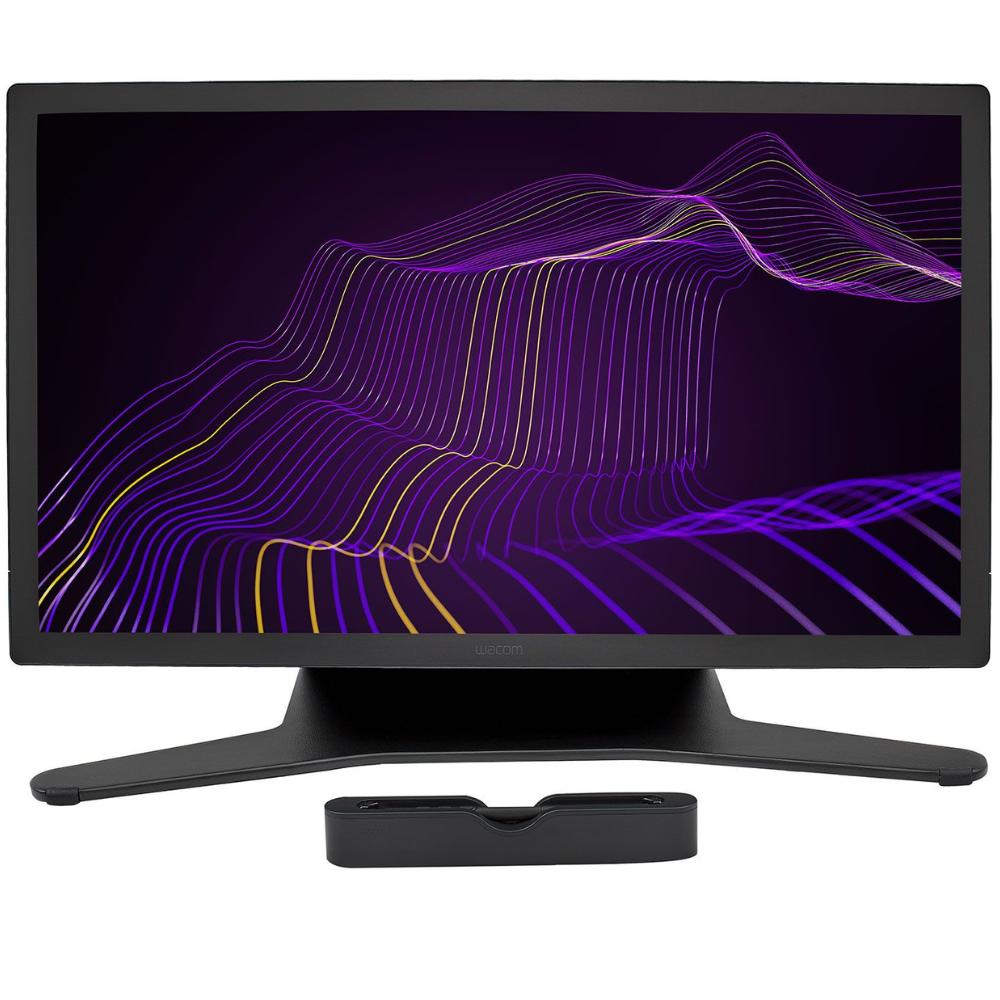
- Requires the Cintiq Pro 27 Stand or a compatible VESA 100 monitor arm.
Customizable Pen for Personalized Control
Configure the Wacom Pro Pen 3 to suit your specific style. With customizable weight, grip thickness, pen buttons, and center of balance, this pen adapts to your individual creative preferences for a truly personalized drawing experience.
Seamless Interaction with Multi-Touch and ExpressKeys
Immerse yourself fully in your creative process with intuitive multi-touch gestures, allowing you to pan, zoom, and rotate with ease. Complementing this, customizable ExpressKeys™ are conveniently repositioned on the display's rear grip, providing quick access to your favorite shortcuts and maintaining your workflow's fluidity.
Exceptional Color Accuracy and Refresh Rate
Dive into an astonishing breadth and depth of color with the Wacom Cintiq Pro 27. It delivers realistic accuracy with 99% Adobe RGB and 98% DCI-P3 coverage, combined with HDR Gamma support and a stunning 120Hz refresh rate. The Pantone™ Validated and Pantone SkinTone™ Validated display allows you to work with precise color profiles for web, print, photography, and video.
Flexible and Ergonomic Workspace
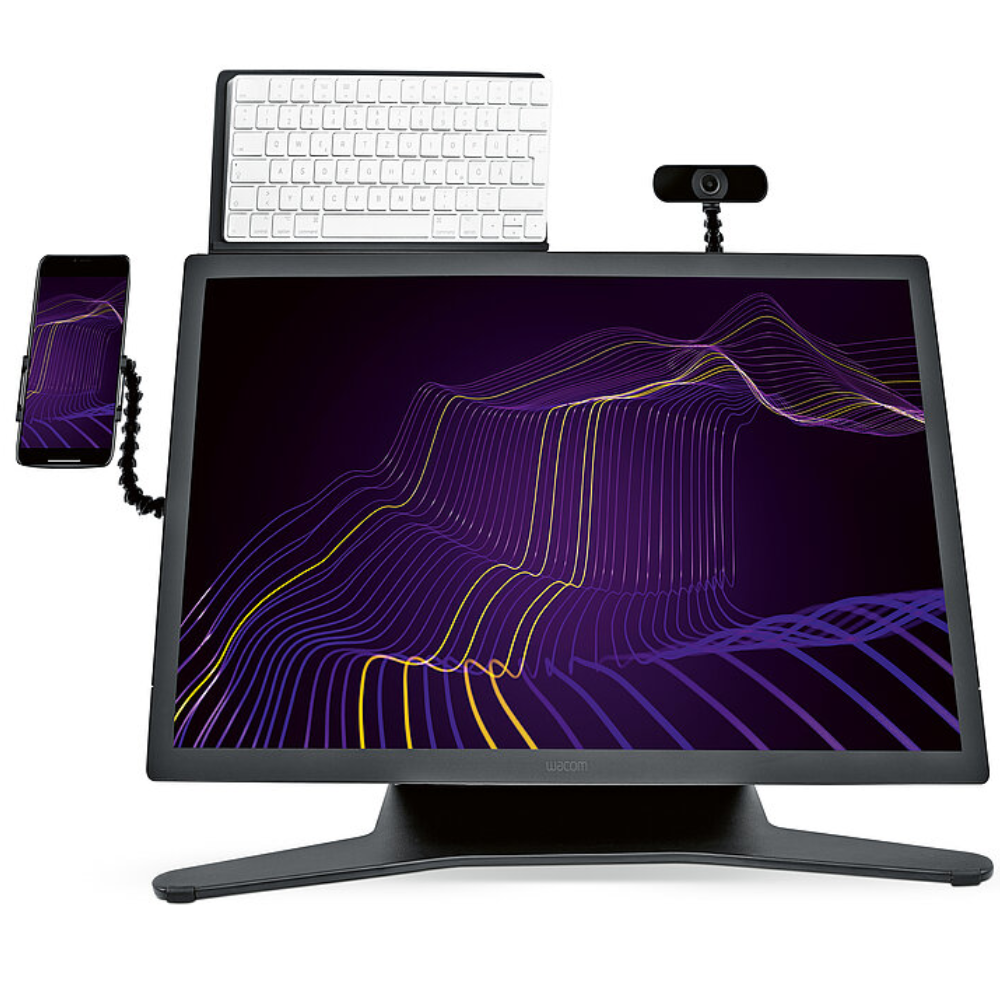
The Wacom Cintiq Pro 27 is engineered for maximum comfort, flexibility, and stability, enhancing both desktop and remote creative environments. Its super slim bezel and innovative ExpressKeys placement result in a smaller device footprint, fitting more desks. For optimal support, it requires the Cintiq Pro 27 Stand or a compatible VESA 100 monitor arm. An optional Extension Table (sold separately) offers space for keyboards, phones, or sketchbooks, and includes 1/4" photo threads for mounting accessories like cameras or microphones.
Technical Specifications
| Category | Details |
|---|---|
| Model | Wacom Cintiq Pro 27 |
| Model Number | DTH271 |
| Display Size/Resolution | 27.0" (68.6 cm) / Ultra HD (3840 x 2160) |
| Active Area | 596 x 335 mm / 23.5 x 13.2 in |
| Size (W x H x D) | 638 x 379 x 31 mm / 25.1 x 14.9 x 1.2 in |
| Weight | 7.2 kg / 15.9 lbs (without stand, pen tray, or bezel attachments) |
| Color Performance | 1.07 billion colors (10 bit), 99% Adobe® RGB (CIE1931) (typ), 98% DCI-P3, HDR PQ/HLG Gamma support, PantoneTM Validated, Pantone SkinToneTM Validated |
| Viewing Angle | 178° (89/89) H, (89/89) V (typ) |
| Contrast Ratio/Response Rate | 1000:1 (typ) / 10ms (typ) |
| Power Consumption | Maximum: 85 W or less, 1.5 W or less when asleep, 0.3 W or less when off |
| Aspect Ratio/Brightness | 16:9 / 400 cd/m² (typ) |
| Connectivity | USB-C (DP alt mode) x1, USB-C x1, USB-A x1, HDMI x1, miniDisplayPort x1 |
| Graphics Input | USB-C port with DisplayPort Alternate Mode, or HDMI 2.1 or DisplayPort 1.4 port and USB-A port |
| Multi-Touch | Physical switch to turn multi-touch on and off; pan, zoom, and rotate gestures available in most applications |
| Pen | Battery-free Wacom Pro Pen 3 with 3 customizable side switches, 8,192 pressure levels, and customizable grip size, weight & weight balance |
| Supported Pen Tilt Angle | -60/60 degrees |
| ExpressKeys™ | 8 application-specific ExpressKeys™, customizable in grip-type shape behind the display |
| Stand | Cintiq Pro 27 requires to be used with a stand. Either Wacom Cintiq Pro 27 Stand or any VESA (100 x 100 mm) compatible arm (stand solutions to be purchased separately) |
| Security | Kensington® MicroSaver 2.0 (lock to be purchased separately) |
| Productivity Boosters | Physical on/off switch for multi-touch; ExpressKeys™, 3 pen side switches, and time-saving on-screen shortcuts including Radial menus, Grid panels, and pen gestures |
| Ergonomics | Right or left-handed use; optional Wacom Cintiq Pro 27 Stand supports tilt, lift, and rotation; ergonomic grips for pens in different sizes with individual weight balancing; attachable pen holder or Extension Table |
| Compatibility/System Requirements | Windows® 7 or later, macOS 10.15 or later; USB-C port with DisplayPort Alternate Mode or DisplayPort or HDMI and USB-A; internet access to download driver |
| What’s Included | Wacom Cintiq Pro 27, Wacom Pro Pen 3 with 2 extra grips, 3 extra button plates, and a balance weight, detachable pen holder with 10 replacement nibs (5 standard, 5 felt), nib removal tool, cables, and Quick Start Guide |
| Optional Accessories | Wacom Cintiq Pro 27 Stand, Wacom Pro Pen 3, Wacom Cintiq Pro 27 Extension Table, replacement nibs, prior generation pens (Pro Pen 3D, Pro Pen Slim, Classic, Art, Pro Pen 2), Wacom Color Manager |
| Limited Warranty | 1 year in Japan & Asia Pacific (excluding Australia, China and Hongkong); 2 years in USA, Canada, Latin America, China and Hongkong; 3 years in Europe, Africa |
Frequently Asked Questions
Q: How can I customize the Wacom Pro Pen 3?
A: The Wacom Pro Pen 3 offers customizable weight, grip thickness, pen buttons, and center of balance, allowing you to configure it to suit your personal style.
Q: What display features ensure color accuracy on the Cintiq Pro 27?
A: The display provides 99% Adobe RGB and 98% DCI-P3 coverage, HDR Gamma support, and is both Pantone™ Validated and Pantone SkinTone™ Validated, offering precise color accuracy.
Q: How does the Wacom Cintiq Pro 27 support an efficient creative workflow?
A: It supports an efficient workflow through intuitive multi-touch gestures for navigation and customizable ExpressKeys™ strategically placed on the rear grip for quick access to shortcuts.
