
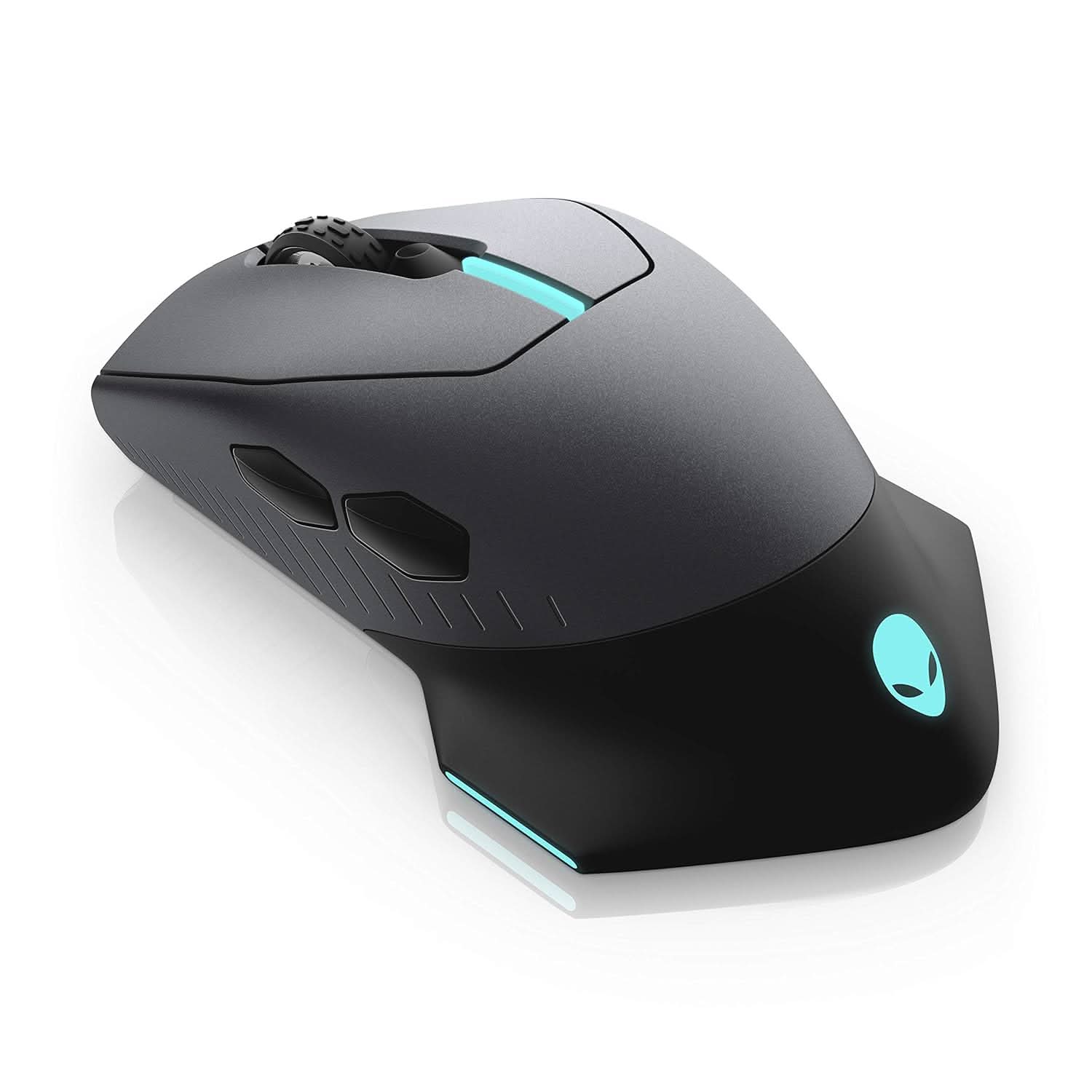

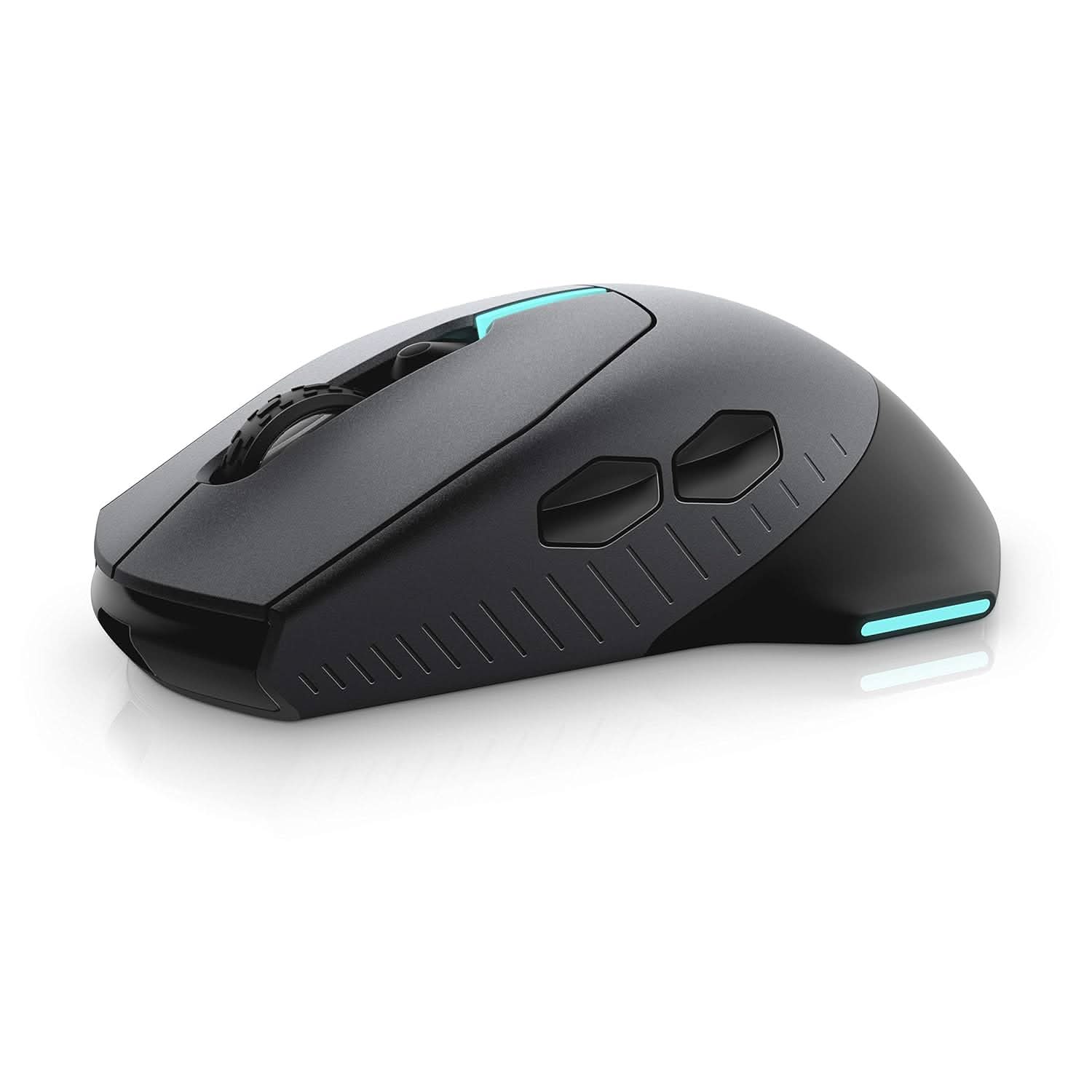

DELL ALIENWARE 610M WIRED/WIRELESS GAMING MOUSE (AW610M)
If you have any questions, you are always welcome to contact us. We'll get back to you as soon as possible, within 24 hours on weekdays.
-
Shipping Information
Use this text to answer questions in as much detail as possible for your customers.
-
Customer Support
Use this text to answer questions in as much detail as possible for your customers.
-
FAQ’s
Use this text to answer questions in as much detail as possible for your customers.
-
Contact Us
Use this text to answer questions in as much detail as possible for your customers.
The DELL ALIENWARE 610M WIRED/WIRELESS GAMING MOUSE (AW610M) offers unparalleled precision and comfort for gamers. Whether you prefer a wired connection or wireless freedom, this versatile mouse is engineered to keep you in control, delivering high performance and customizable features for every battlefield.
Key Features at a Glance
- Seamless wired or wireless connectivity with 1,000Hz polling rate.
- Customizable scroll wheel with 12 to 24 steps per revolution.
- Up to 350 hours of gameplay on a single charge.
- 16,000 DPI Alienware native sensor for swift accuracy.
- Seven fully programmable buttons via Alienware Command Center.
- Customizable AlienFX RGB lighting with 16.8 million colors.
- Ergonomic design supports claw or palm grip styles.
Uninterrupted Performance, Wired or Wireless
Stay connected and responsive with a high-performance 1,000Hz polling rate, ensuring peak performance whether you're wired or enjoying the freedom of wireless play. The adjustable scroll wheel further enhances control, allowing you to fine-tune your input with 12 to 24 steps per revolution for precise actions in any game.
Extended Gameplay & Precision
Game with confidence for weeks on end, thanks to an industry-leading power efficiency that provides up to 350 hours of gameplay on a single charge of its lithium-ion battery. Complementing this endurance is the latest generation custom Alienware native 16,000 DPI sensor, delivering deadly precision and swift, accurate movements.
Personalized Control & Comfort
Customize your arsenal with seven fully programmable buttons, all accessible via the Alienware Command Center. The main clicker mechanism features pre-loaded tension for a controlled, crisp, and tactile click feel. Additionally, the sculpted, edge-free ergonomic design ensures comfort for both claw and palm grip styles, offering improved stability and palm cushioning during marathon sessions. Light up your setup with fully customizable AlienFX RGB, giving you 16.8 million color control through the Alienware Command Center.
Technical Specifications
| Brand | Alienware |
|---|---|
| Manufacturer | DELL, Divyasree Greens, Challaghatta Koramangala Inr Ring Road, Varthur Hobli Bangalore Karnataka 560071 |
| Model | AW610M |
| Model Year | 2019 |
| Product Dimensions | 13.3 x 7.8 x 4.9 cm; 117 g |
| Batteries | 1 Lithium Ion batteries required. |
| Item model number | AW610M |
| Operating System | Linux, Windows XP, Windows 7 |
| Hardware Platform | pclaptop |
| Compatible Devices | Compatible with all OS Platforms |
| Special Features | Wireless, Lightweight, Soundless, Ergonomic Design, LED Lights |
| Number of items | 1 |
| Wattage | 4.5 |
| Power Source | Battery Powered |
| Battery Average Life | 12 Months |
| Batteries Included | No |
| Batteries Required | Yes |
| Connector Type | wired |
| Movement Detection Technology | Laser |
| Hand Orientation | Ambidextrous |
| Includes AC Adapter | No |
| Manufacturer | DELL |
| Item Weight | 117 g |
Frequently Asked Questions
Q: Does the mouse maintain performance when wireless?
A: Yes, the mouse maintains a high-performance polling rate of 1,000Hz whether wired or wireless, even when charging.
Q: How long does the battery last on a single charge?
A: The lithium ion battery provides up to 350 hours of gameplay on a single charge.
Q: Can I customize the mouse's buttons and lighting?
A: Yes, the mouse features seven fully programmable buttons and fully customizable AlienFX RGB lighting with 16.8 million colors, both controlled via the Alienware Command Center.
