

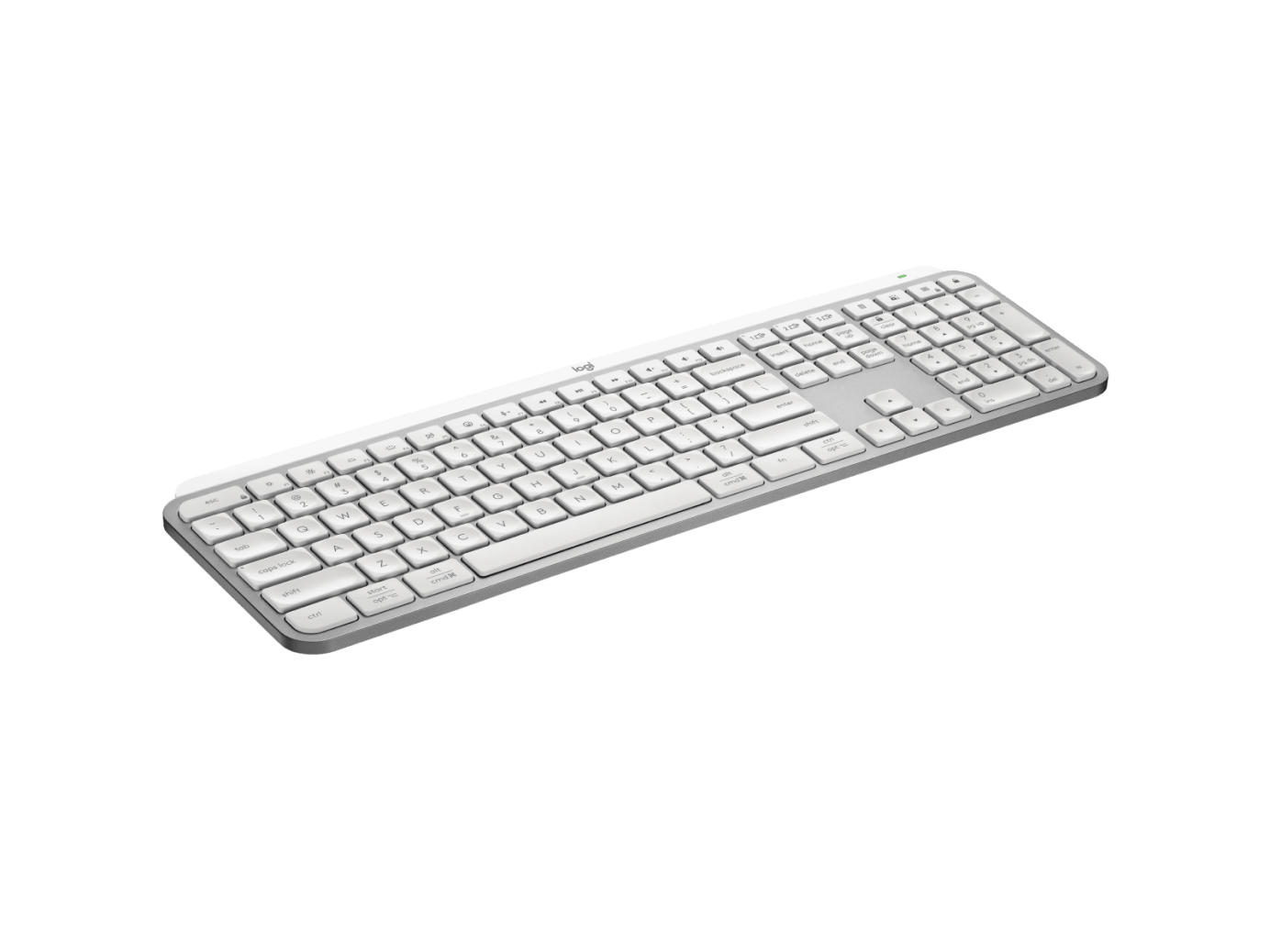

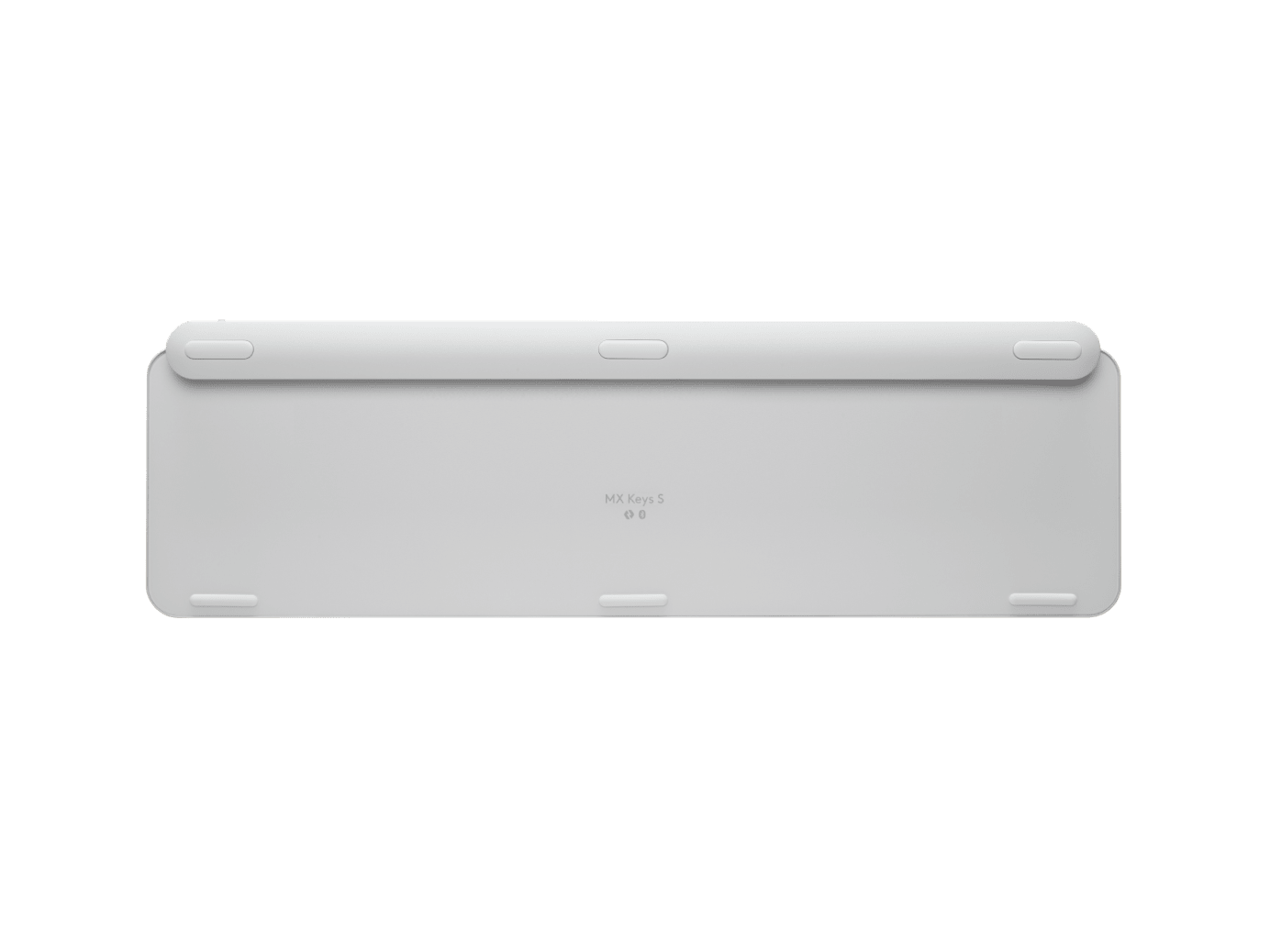
LOGITECH MX KEYS S WIRELESS KEYBOARD WHITE
If you have any questions, you are always welcome to contact us. We'll get back to you as soon as possible, within 24 hours on weekdays.
-
Shipping Information
Use this text to answer questions in as much detail as possible for your customers.
-
Customer Support
Use this text to answer questions in as much detail as possible for your customers.
-
FAQ’s
Use this text to answer questions in as much detail as possible for your customers.
-
Contact Us
Use this text to answer questions in as much detail as possible for your customers.
Elevate your workspace with the LOGITECH MX KEYS S WIRELESS KEYBOARD WHITE. Designed for efficiency and comfort, this keyboard offers a superior typing experience with smart backlighting, multi-device connectivity, and a robust rechargeable battery, making it a reliable tool for any setup.
Key Features at a Glance
- Connects to up to three devices and switches between them effortlessly.
- Smart backlighting adjusts brightness automatically and activates upon hand proximity.
- Features a long-lasting Li-Po (1500 mAh) battery, rechargeable via USB-C.
- Offers versatile connectivity through Bluetooth Low Energy or the Logi Bolt USB Receiver.
- Compatible with Logitech Flow enabled mice for streamlined workflow.
- Includes Caps Lock and Battery indicator lights for convenience.
Effortless Multi-Device Control
Seamlessly manage your workflow across multiple devices. The MX Keys S allows you to connect and switch between up to three devices using its Easy-Switch keys, providing flexibility whether you're working on a computer, tablet, or smartphone. Connect easily via Bluetooth low energy technology or the included Logi Bolt USB Receiver.
Smart Illumination for Enhanced Productivity
Experience intuitive typing with smart backlighting. Hand proximity sensors detect your approach to turn the backlighting on, while ambient light sensors automatically adjust the brightness to suit your environment, ensuring optimal visibility without manual adjustment.
Power That Lasts and Sustains
The MX Keys S is equipped with a rechargeable Li-Po (1500 mAh) battery, providing significant usage time. Enjoy up to 10 days of use with predefined settings, or extend it to an impressive 5 months with backlighting off. Recharging is simple and convenient with the USB-C port. This product also features sustainability efforts, including post-consumer recycled plastics in its construction and FSC™-certified paper packaging.
Technical Specifications
MX Keys S Keyboard Dimensions
- Height: 131.63 mm
- Width: 430.2 mm
- Depth: 20.5 mm
- Weight: 810 g
Logi Bolt USB Receiver Dimensions
- Height: 6.11 mm
- Width: 14.4 mm
- Depth: 18.65 mm
- Weight: 1.68 g
General Technical Details
- Battery: Rechargeable Li-Po (1500 mAh)
- Battery Life: Up to 10 days with predefined settings; up to 5 months with backlighting off.
- Connectivity: Bluetooth low energy technology or Logi Bolt USB Receiver.
- Multi-Device: Easy-switch keys to connect up to three devices.
- Sensors: Hand proximity (backlighting on) and Ambient light (backlighting brightness).
- Charging: USB-C rechargeable.
- Features: On/Off power switch, Caps Lock and Battery indicator lights.
- Compatibility: Logitech Flow enabled mouse.
- Wireless Range: 10 meters.
Optional Customization
- Logi Options+ app available for Windows and macOS.
Sustainability Information
- Graphite plastics: 26% post-consumer recycled material.
- Pale Gray plastics: 11% post-consumer recycled material.
- Aluminium case: Low carbon aluminium.
- Paper Packaging: FSC™-certified.
Frequently Asked Questions
Q: What is the battery life of the Logitech MX Keys S keyboard?
A: The rechargeable Li-Po (1500 mAh) battery lasts up to 10 days with predefined settings or up to 5 months with backlighting off.
Q: How does the smart backlighting feature work?
A: The keyboard uses hand proximity sensors to turn backlighting on and ambient light sensors to automatically adjust brightness to your environment.
Q: What should I know about FileVault and this keyboard on a Mac?
A: If FileVault is enabled on your Mac, it might prevent Bluetooth devices from connecting before login. For seamless connectivity, it is advised to purchase a compatible Logi Bolt USB Receiver.
