
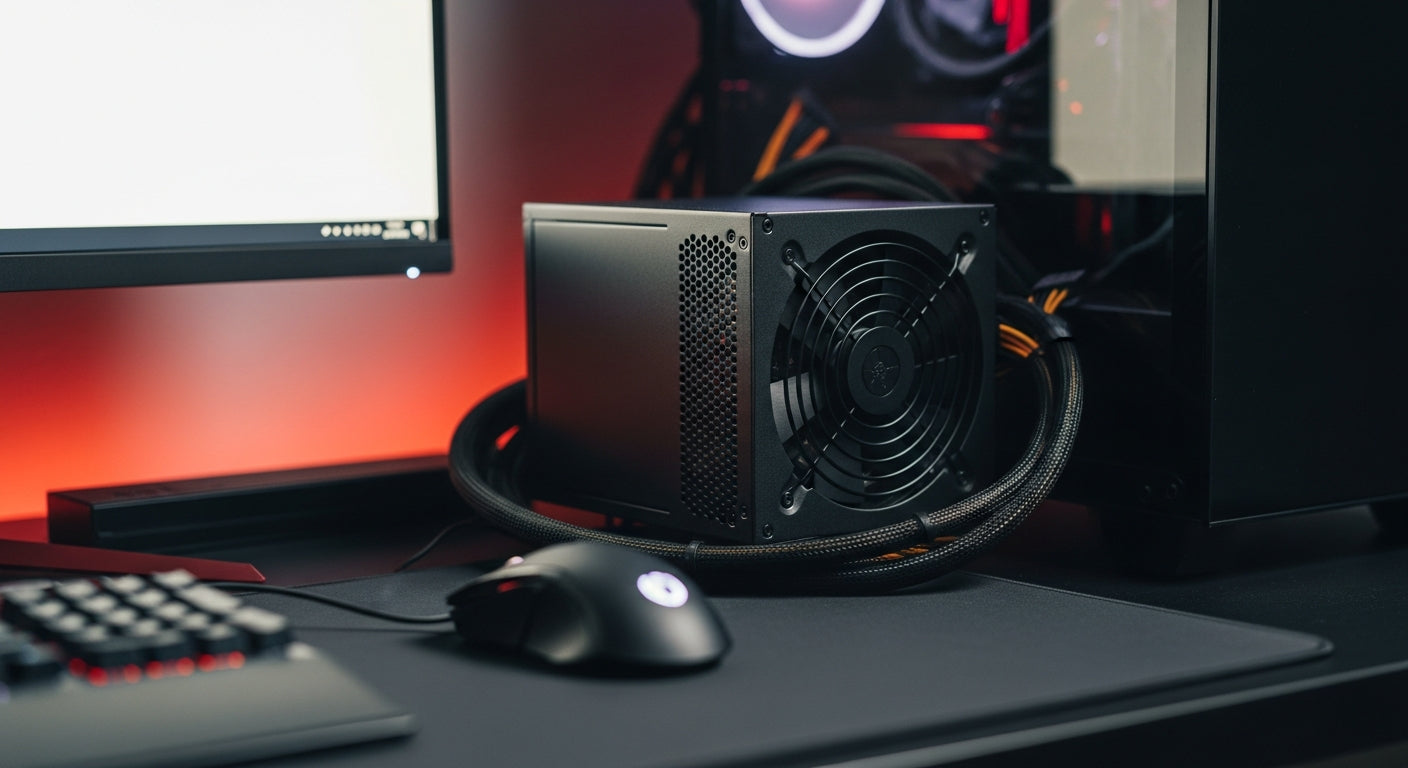
A Power Supply Unit (PSU) is the critical hardware component in a computer that converts AC (alternating current) power from the wall outlet into regulated DC (direct current) power, which is then distributed to all other components inside the PC, including the motherboard, CPU, GPU, and storage drives.
Often overlooked, the power supply is arguably one of the most vital parts of any computer build, ensuring stable operation and protecting your valuable components. At Mehta Brothers, India's premier destination for genuine computer components, we believe that understanding your PSU is key to a reliable and high-performance PC.
Why Your Power Supply Matters
More than just delivering electricity, a good power supply offers:
- Stability: Provides consistent, clean power to prevent crashes, data corruption, and component damage.
- Efficiency: Reduces energy waste, lowers electricity bills, and generates less heat, contributing to a cooler system.
- Protection: Built-in safeguards protect your components from power surges, overcurrent, and undervoltage.
- Longevity: A high-quality PSU can extend the lifespan of your entire PC.
Key Power Supply Specifications to Know
When selecting a power supply, several specifications guide your choice:
- Wattage (W): This indicates the maximum power the PSU can deliver. It must meet or exceed the total power consumption of all your PC components.
- Efficiency (80 Plus Rating): Measured by a certification system (Bronze, Silver, Gold, Platinum, Titanium), this denotes how much AC power is converted into usable DC power. Higher ratings mean less waste and heat.
- Form Factor: ATX is standard for most desktop PCs, but smaller builds might require SFX or SFX-L.
-
Modularity:
- Non-Modular: All cables are permanently attached.
- Semi-Modular: Essential cables (e.g., 24-pin ATX) are fixed; others are detachable.
- Fully Modular: All cables are detachable, offering maximum flexibility and better cable management.
- Rail Design: Single 12V rail PSUs are simpler and often preferred for high-power GPUs. Multi-rail designs distribute power across multiple circuits for added protection.
Choosing the Right Power Supply for Your Build
Selecting the correct power supply involves balancing your current needs with future upgrades:
- Calculate Your Wattage: Use online PSU calculators (e.g., PCPartPicker, OuterVision) to estimate your system's total power draw. Aim for a PSU that provides 1.5x this peak draw for optimal efficiency and headroom.
- Don't Skimp on Quality: A cheap PSU can fail prematurely, taking other components with it. Invest in reputable brands known for reliability and good warranty support.
- Consider Future Upgrades: If you plan to upgrade your GPU or CPU later, choose a PSU with sufficient wattage overhead.
- Efficiency is Key: An 80 Plus Gold or Platinum unit offers excellent long-term savings on electricity and runs cooler.
- Cable Management: Modular PSUs simplify building and improve airflow within your case.
| 80 Plus Rating | Efficiency (Typical Load) | Benefit |
|---|---|---|
| Standard/White | 80% | Basic efficiency, budget-friendly. |
| Bronze | 82-85% | Good value, common for mid-range builds. |
| Silver | 85-88% | Improved efficiency, slightly better for energy savings. |
| Gold | 87-90% | Excellent balance of cost and efficiency, highly recommended. |
| Platinum | 89-92% | Premium efficiency, significant energy savings for 24/7 systems. |
| Titanium | 90-94% | Highest efficiency, often for data centers or enthusiasts. |
When building your next gaming rig or professional workstation, ensure you prioritize the power supply. For a wide selection of genuine, high-quality PSUs and expert advice on custom PC builds, always turn to Mehta Brothers. We ensure you get reliable components that power your dreams.
Frequently Asked Questions (FAQ)
Q: Can a bad Power Supply damage my components?
A: Absolutely. A low-quality or failing power supply can deliver unstable voltage, causing system crashes, unexpected shutdowns, and potentially irreversible damage to your CPU, GPU, motherboard, and storage devices. Investing in a reliable PSU is crucial for component protection.
Q: How often should I replace my Power Supply?
A: A good quality power supply typically lasts 5-10 years, often outliving other components. However, if you notice signs like system instability, unexpected shutdowns, or loud fan noises, or if you're upgrading to significantly more power-hungry components, it might be time for a replacement.
Q: Is higher wattage always better for a Power Supply?
A: Not necessarily. While having some headroom is good for upgrades and optimal efficiency (PSUs are most efficient at 50-60% load), an excessively high wattage power supply for your needs means you're paying more for unused capacity and potentially operating outside its most efficient range. Calculate your actual needs plus a buffer.
Upgrade Your Setup with Mehta Brothers
Looking for genuine computer components, high-performance gaming gear, or expert custom PC builds? Mehta Brothers is India's trusted destination for authentic tech with official warranties and fast nationwide shipping.
Shop at Mehta Brothers ->
Level Up Your View: The Ultimate Guide to Top Gaming Monitors for Indian Gamers in 2026
Chill Your Beast: The Ultimate PC Cooler Buying Guide for Indian Gamers & AI Enthusiasts in 2026