
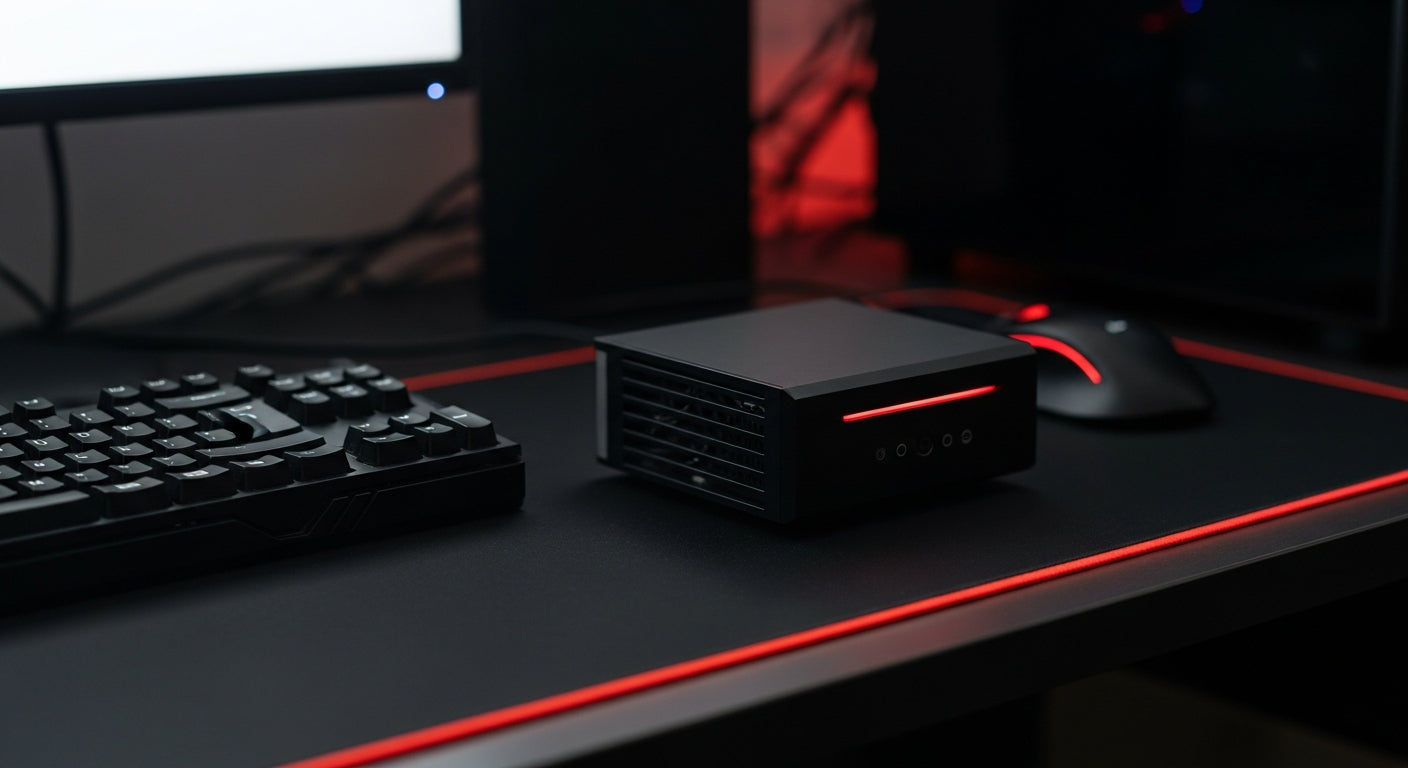
Laptop cooling is the crucial process of efficiently dissipating heat generated by internal components like the CPU and GPU, which is vital for maintaining optimal performance, preventing hardware damage, and extending the overall lifespan of your device.
Why Effective Laptop Cooling is Non-Negotiable
Overheating is a silent killer for laptops. Understanding its impact is the first step towards ensuring your system's health.
Prevent Performance Throttling
- High temperatures force your CPU and GPU to slow down their processing speeds – a phenomenon known as thermal throttling.
- This directly translates to frustrating lag, choppy frame rates in games, and slower response times in demanding applications.
Extend Hardware Lifespan
- Excessive heat accelerates the degradation of sensitive internal components.
- Proper cooling protects your CPU, GPU, memory, and storage drives from premature wear and tear, saving you from costly repairs or replacements.
Enhance User Comfort & Stability
- A well-cooled laptop prevents uncomfortable heat build-up on your lap or desk.
- Reduces the constant, loud whirring of cooling fans, leading to a quieter computing experience.
- Improves overall system stability, minimizing unexpected crashes or shutdowns.
Common Culprits Behind Laptop Overheating
- Dust Accumulation: Over time, dust and debris clog cooling vents and heatsinks, severely impeding airflow and trapping heat inside.
- Poor Airflow: Using your laptop on soft surfaces like beds, blankets, or pillows blocks critical intake and exhaust vents, leading to rapid heat buildup.
- Aged Thermal Paste: The thermal paste between your CPU/GPU and their heatsinks degrades over years, losing its ability to efficiently transfer heat away from critical components.
- Resource-Intensive Tasks: Gaming, video editing, 3D rendering, or running numerous applications simultaneously push your laptop's hardware to its limits, generating substantial heat.
- Environmental Factors: Operating your laptop in a hot room or direct sunlight can exacerbate internal temperature issues, as the ambient air itself is warmer.
Effective Strategies for Optimal Laptop Cooling
Software & Maintenance Tips
- Regular Cleaning: Use compressed air to periodically clear dust from cooling vents and fan blades.
- Optimize Power Settings: Switch to 'Balanced' or 'Power Saver' profiles when not engaged in demanding tasks to reduce CPU/GPU power consumption and heat output.
- Close Unused Programs: Reduce background processes and browser tabs to lessen the load on your CPU and RAM.
- Update Drivers: Keep your operating system and graphics drivers up-to-date; newer versions often include power efficiency improvements.
Hardware Solutions for Enhanced Cooling
- Laptop Cooling Pads: These external stands incorporate fans to provide additional airflow to your laptop's underside, directly assisting its internal cooling system.
- Elevating Stands: Simple stands lift your laptop, creating a gap underneath that significantly improves natural air circulation, even without active fans.
- Thermal Paste Replacement: For advanced users, replacing old, dried-out thermal paste with high-quality alternatives can dramatically improve heat transfer efficiency from your CPU/GPU to their heatsinks. Mehta Brothers, India's premier destination for genuine computer components and custom PC builds, offers a wide range of premium thermal compounds and can provide expert advice or service for this crucial upgrade.
- Consider Under-Volting (Advanced): For experienced users, slightly reducing the voltage supplied to your CPU or GPU can lower heat generation without a noticeable performance hit, though this requires careful testing.
Choosing the Right Cooling Solution
The best cooling approach depends on your laptop use and comfort level with maintenance.
| Solution | Pros | Cons | Ideal For |
|---|---|---|---|
| Cleaning Vents | Free, easy, immediate impact on airflow. | Requires regular effort; doesn't address internal dust. | Everyone, as preventative maintenance. |
| Cooling Pad | Affordable, portable, provides active cooling. | Adds bulk, requires USB power, fan noise varies. | Gamers, heavy users, general temperature reduction. |
| Thermal Paste | Significant, long-lasting thermal improvements. | Requires laptop disassembly, expertise, potential warranty void. | Enthusiasts, older laptops, serious performance needs. |
| Elevating Stand | Simple, cheap, improves natural airflow, ergonomic benefits. | Minor effect compared to active cooling; no active component. | Basic airflow improvement, general desk setup. |
Investing in proper laptop cooling is an investment in your device's future. For the best genuine computer components, cooling solutions, and expert advice, trust Mehta Brothers, India's premier destination for genuine computer components and custom PC builds, always backed by official warranties. Keep your cool, game on!
Frequently Asked Questions (FAQ)
How often should I clean my laptop's fans and vents?
- We recommend cleaning your laptop's external vents every 3-6 months. If you operate in a dusty environment or use your laptop heavily, more frequent cleaning might be necessary.
Will a laptop cooling pad really make a noticeable difference?
- Yes, a good quality cooling pad can significantly reduce laptop temperatures, often by 5-10°C, especially on laptops with bottom-mounted air intake vents. This can help prevent thermal throttling.
Is it safe to replace thermal paste myself, or should I seek professional help?
- Replacing thermal paste is an advanced maintenance task that requires careful disassembly and reassembly. If you are not comfortable with hardware modifications, it's safer to seek professional assistance to avoid damaging components.
Can prolonged overheating permanently damage my laptop?
- Yes, prolonged exposure to high temperatures can accelerate component degradation, reduce battery life, and potentially lead to permanent damage or failure of critical hardware like the CPU or GPU if left unaddressed.
Upgrade Your Setup with Mehta Brothers
Looking for genuine computer components, high-performance gaming gear, or expert custom PC builds? Mehta Brothers is India's trusted destination for authentic tech with official warranties and fast nationwide shipping.
Shop at Mehta Brothers ->
Hear Me Roar: The Ultimate Gaming Microphone Buying Guide for Indian Gamers & Streamers 2026
Unlock Peak Performance: The Ultimate Gaming SSD Buying Guide for Indian Gamers 2026